Where you put your desk decides more than the room’s layout. It decides whether you squint at glare all afternoon or look like a silhouette on every video call. My short answer: put the desk side-on to your main window, not facing it and not with your back to it. Everything else in this guide is a workaround for the rooms where that isn’t possible.
I get asked about desk placement more than almost anything else in home-office setups, and it’s almost always a lighting problem wearing an ergonomics disguise. Get the light direction right and half your posture complaints (squinting, leaning to see the screen, hunching to avoid glare) solve themselves.
Quick rules I actually follow
- Ergonomics first. Monitor directly in front of you, top of the screen at or slightly below eye level, about an arm’s length away (20-40 inches). Get this wrong and no amount of clever lighting fixes the neck strain.
- Take the light from the side. Side light is the one placement that avoids both direct screen glare and the washed-out, backlit look on calls. If it’s too strong at certain times of day, a blind or diffuser tames it; see my natural light strategies guide for the full playbook.
The four desk positions, and the honest trade-off with each
Facing the window. I like this one for the view and the mood boost, but I won’t pretend it doesn’t cause problems: the light behind your screen fights with the light on it, so you get glare on the monitor and a dark, backlit silhouette on calls. Blinds and a nudge to your camera’s exposure settings help, but they’re a fix for a placement I’d generally avoid if you have a choice.
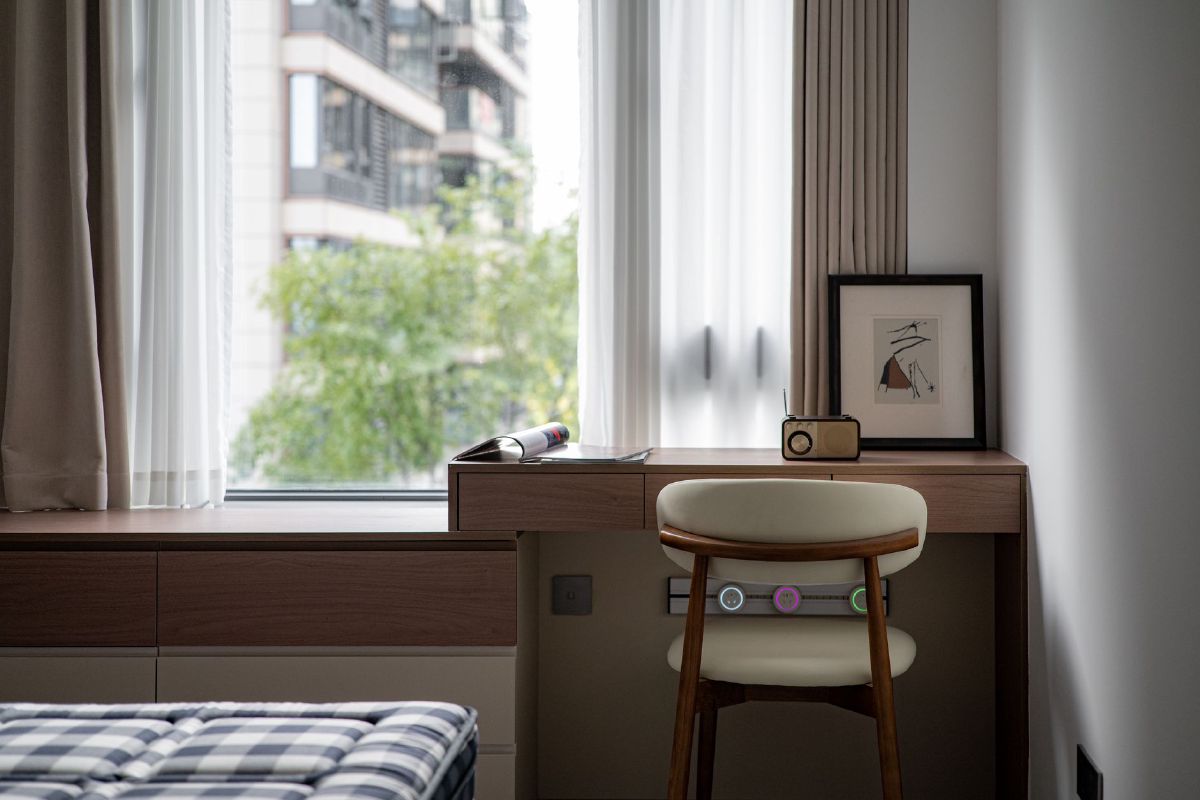
Perpendicular / side light (my default recommendation). This is the placement I’d choose for most home offices. Light falls evenly across the desk with minimal direct glare, and a basic set of blinds gives you all the control you need. The only real downside: as the sun moves through the day you may need to nudge your monitor angle once or twice, a minor tax for the best light in the room.
Back to the window. Screen glare all but disappears here, which is why people default to it. The trade-off is a hard backlight that turns you into a silhouette on video calls and can strain your eyes from the contrast between a dark screen and a bright window behind it. If this is your only option, a soft frontal fill light earns its keep here (more on that below).
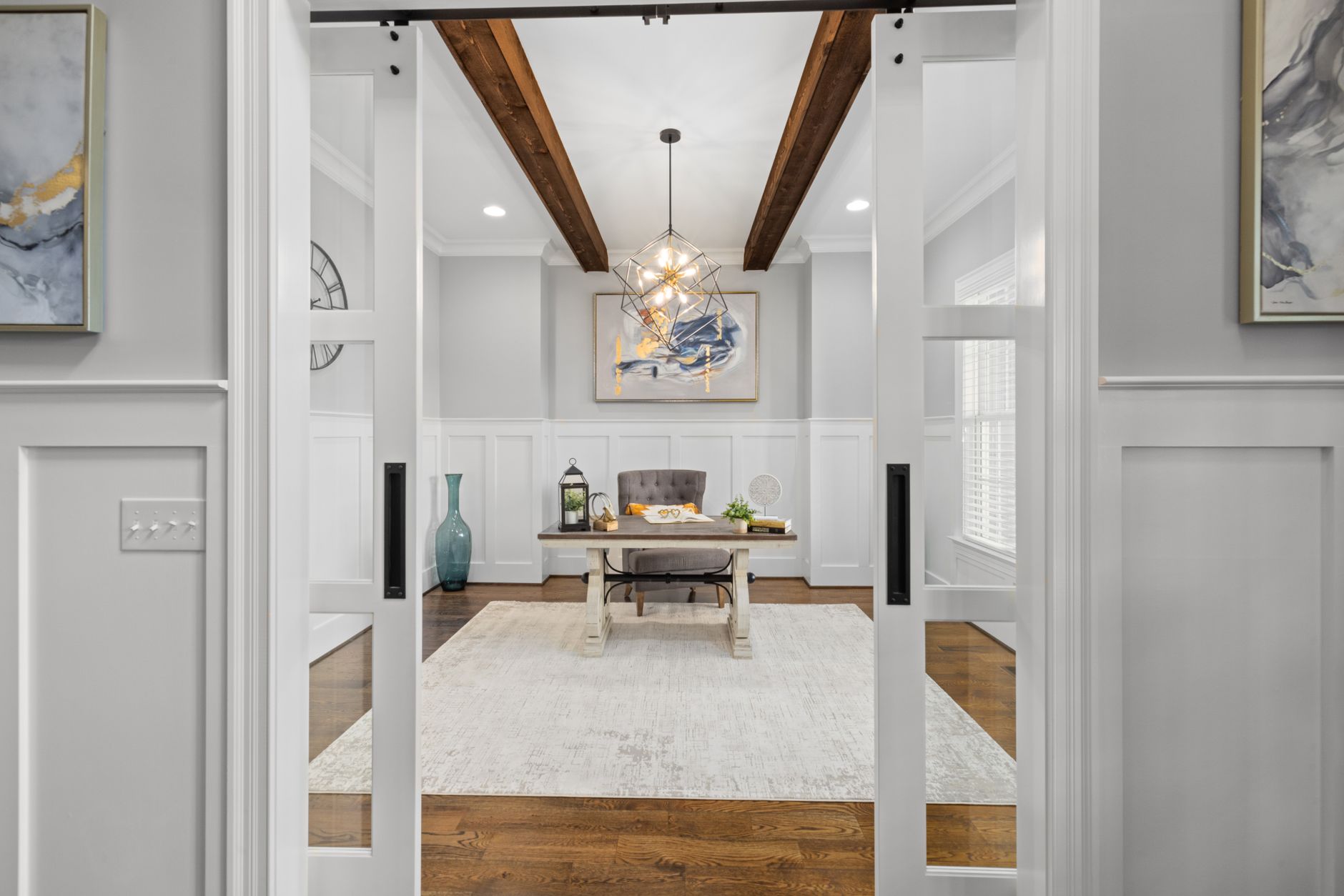
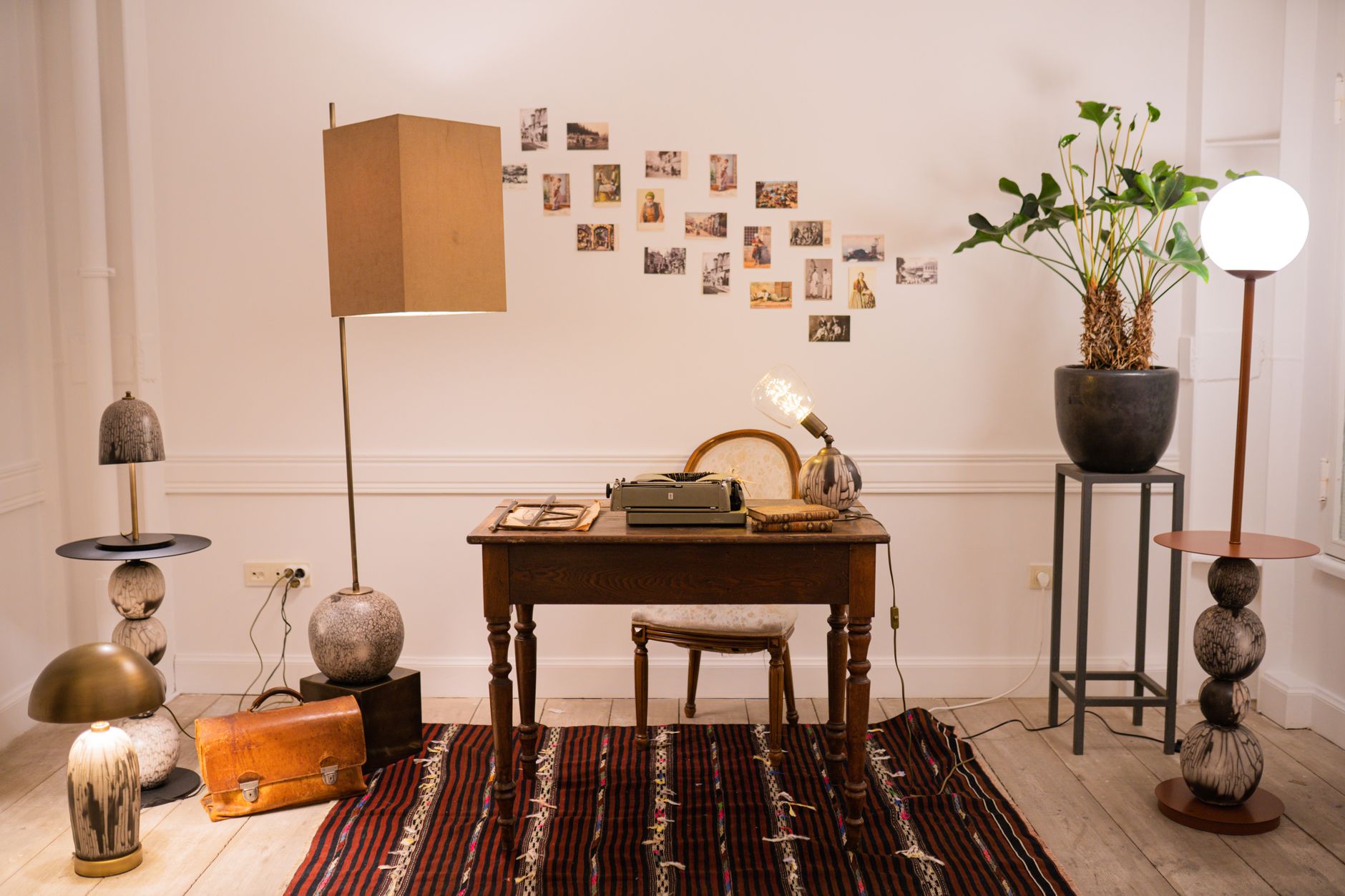
Against the wall. The space-saving option, and a tidy background for calls, but it can feel a little flat without a view. I’d personalise it with art, plants, or a mood board rather than leave a blank wall behind you. If you know feng shui desk placement, positioning the desk so you can still see the door from this spot gives you the “command position”, a small psychological win that costs nothing.
Glare Geometry: Why the Angle Matters More Than the Distance
Most advice on this stops at “don’t face the window,” which is true but incomplete. What actually determines whether you get glare is the angle between the light source, your screen, and your eyes, not just which wall the window is on.
Light bounces off a glossy screen the same way it bounces off a mirror: the angle it hits at is the angle it leaves at. Sit with a bright window directly behind your monitor and the glass throws that light straight back at you, which is why a facing-window setup glares even on an overcast day. Move the window to your side so it’s hitting the screen closer to edge-on, and the reflected light skips past your eyes instead of into them. That’s the entire mechanism behind “side light is best.” It isn’t about brightness, it’s about where the reflection ends up.
A quick test that beats guessing: sit in your usual spot and hold your phone screen-off, like a mirror, flat against your monitor. If you can see the window reflected in it, your camera and your eyes are seeing the same glare. Nudge the monitor a few degrees and repeat until the reflection disappears off to the side rather than straight back at you. I use this exact trick when I’m not sure a new desk position will actually solve the glare it’s supposed to.
How Far From the Window Is Too Close?
Distance matters too, separately from angle. A desk pushed right up against a large, unfiltered window (inside roughly 2-3 feet) tends to swing between too dim in the morning and blown-out by midday, because you’re sitting in the full, undiffused path of the light with no room for your eyes to adjust. Pull back to somewhere in the 4-8 foot range and the same window becomes a much more even, wraparound light source, close enough to still matter, far enough that the intensity has room to spread out before it hits you.
Past about 10 feet, daylight’s contribution drops off enough that you’re effectively lighting the desk with your ceiling fixture or a lamp anyway, and the window becomes more of a view than a light source. None of this is a hard rule. A north-facing window in a cloudy climate behaves nothing like a south-facing one in full sun, so treat these numbers as a starting point to test against your actual room, not a spec to hit exactly.
Ergonomics and the numbers that actually matter
Once the general position is set, the fine-tuning is mostly arithmetic: monitor about an arm’s length away (20-40 inches), top of the screen at or just below eye level. That’s it. Most neck and shoulder complaints I hear about trace back to one of those two numbers being off, not the desk’s orientation.
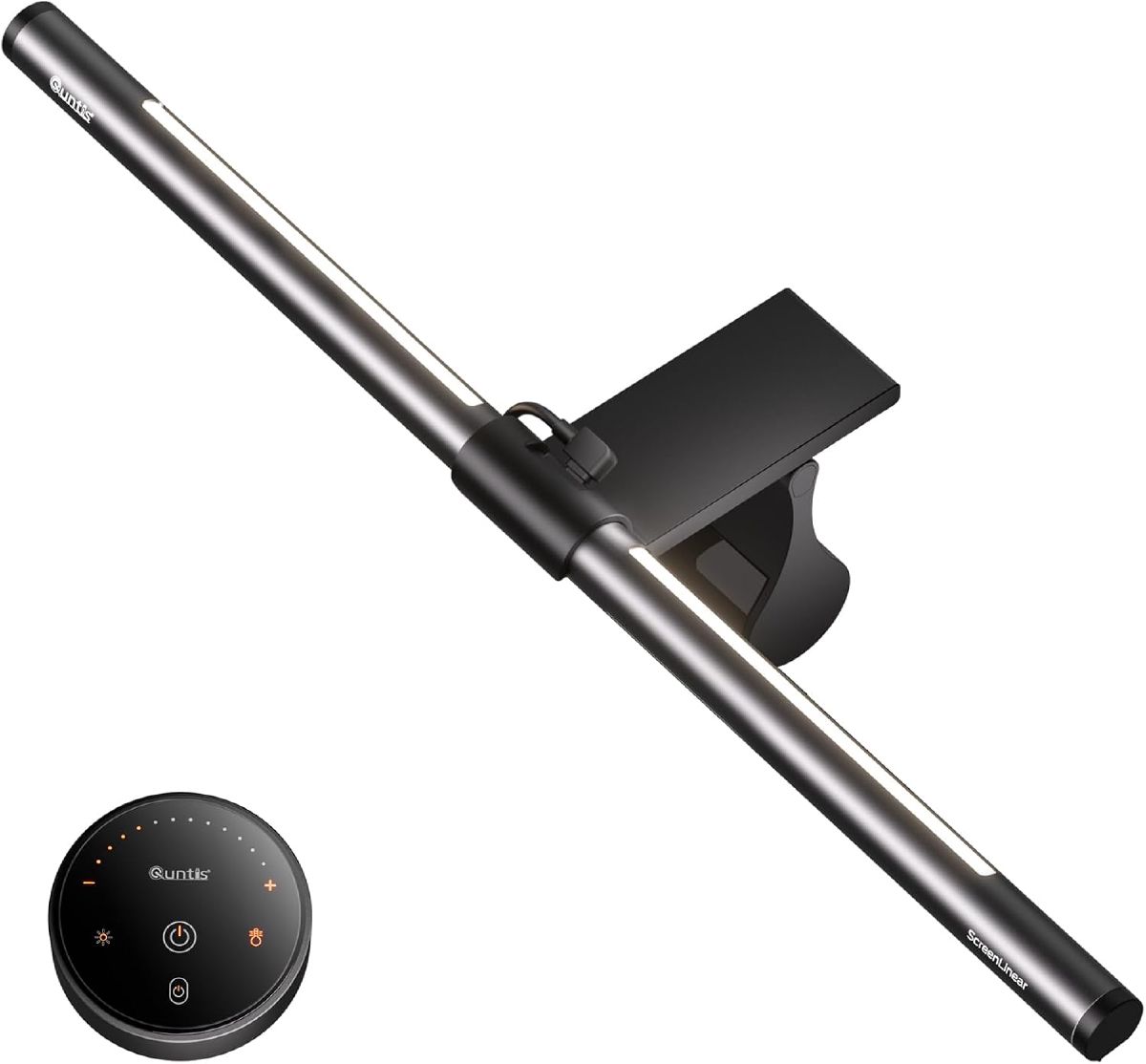
If glare still persists even with good placement, an anti-glare screen, a monitor hood, or a small swivel of the desk usually finishes the job. I’d also look at a light source built specifically for the monitor rather than a general desk lamp, because it solves the glare-versus-eye-strain trade-off directly instead of compromising between the two:
 $49.99 price as of Oct 19
I like this one for desks where the glare fix has to live on the monitor itself, not the wall. It clips over the top of the screen so it takes up zero desk space, and the asymmetric optics mean the light goes down onto your keyboard rather than bouncing back at your eyes or into a webcam. At 4.7 stars from nearly 1,000 ratings it’s clearly working for a lot of people in exactly this setup. The honest downside: it only lights your immediate workspace, not the room, so it’s a glare fix and a task light, not a substitute for good ambient lighting if your back-to-window position also leaves the rest of the room dim.
- Where to buy: Buy the Quntis Monitor Light Bar on Amazon for under $50.
If a desk lamp is more your style than a monitor-mounted bar, my guide to choosing the right desk lamp covers that ground.
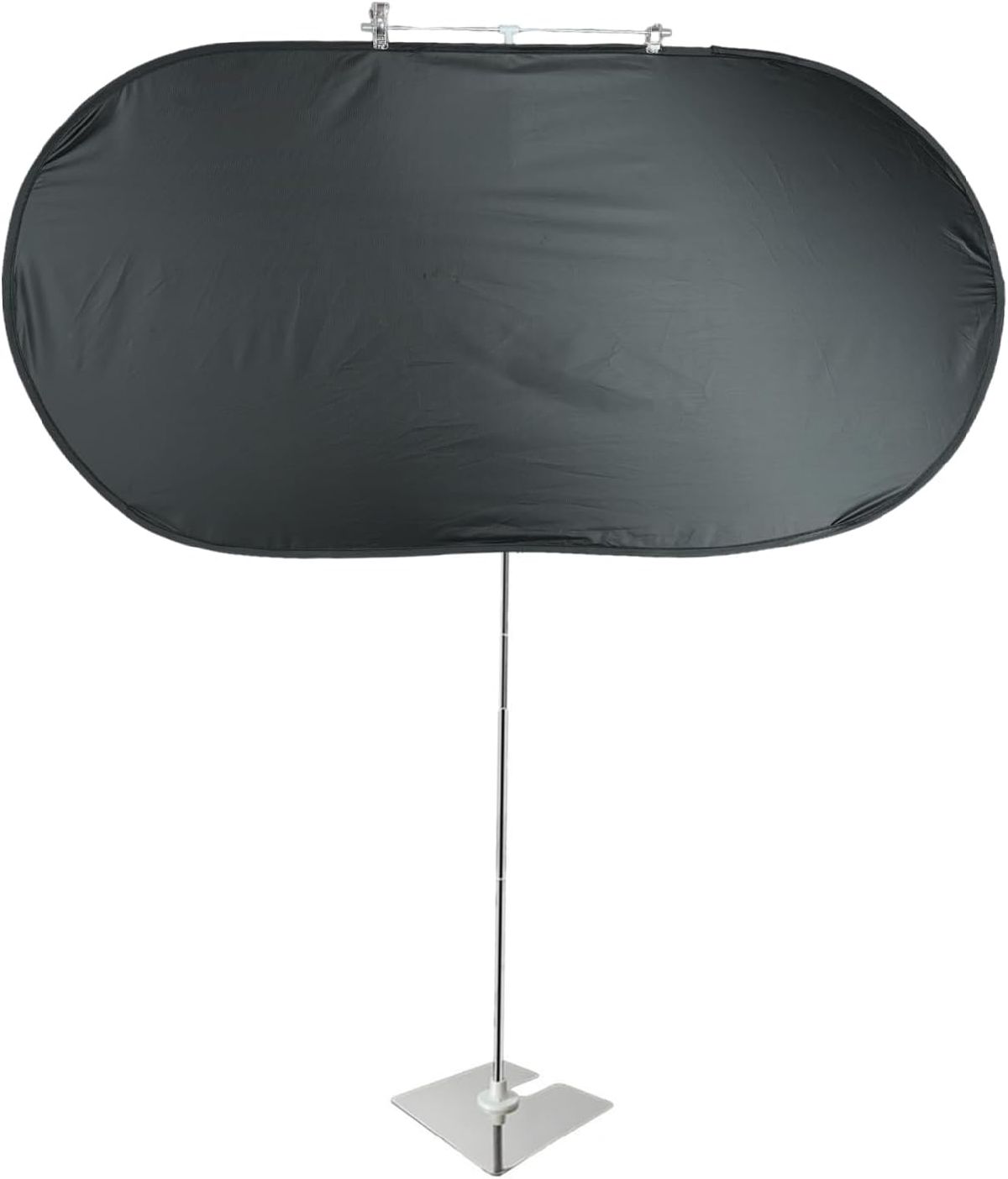
For a side-window desk where the glare-geometry fix above still leaves a bright edge hitting the screen at certain hours, a simple clip-on desk shade is a cheaper first move than moving furniture or buying blinds:
 $14.99 price as of Oct 21
It’s a 20x40-inch fabric panel on an adjustable stand that clamps to the desk and blocks light coming from the side or front, no drilling or wall-mounted blinds required, and at under $10 it’s the cheapest fix on this page by a wide margin. It’s held a real 4.2-star average across 268 ratings. Honest con: it only blocks light coming from windows or lamps, not overhead room lighting, and it’s a visible piece of desk furniture rather than something that disappears into the room the way blinds do. I’d try repositioning the desk and monitor angle first (see the geometry test above); this is the fallback for the days that still glare after that.
- Where to buy: Buy the Desk Glare Shade on Amazon for under $10.
Video calls: the placement that actually looks good on camera
The best desk placement for video calls is the one where your face is lit and your background is calm, not the one with the nicest view.
- Facing a window? Add a neutral front fill light so you’re not a dark shape against a bright background.
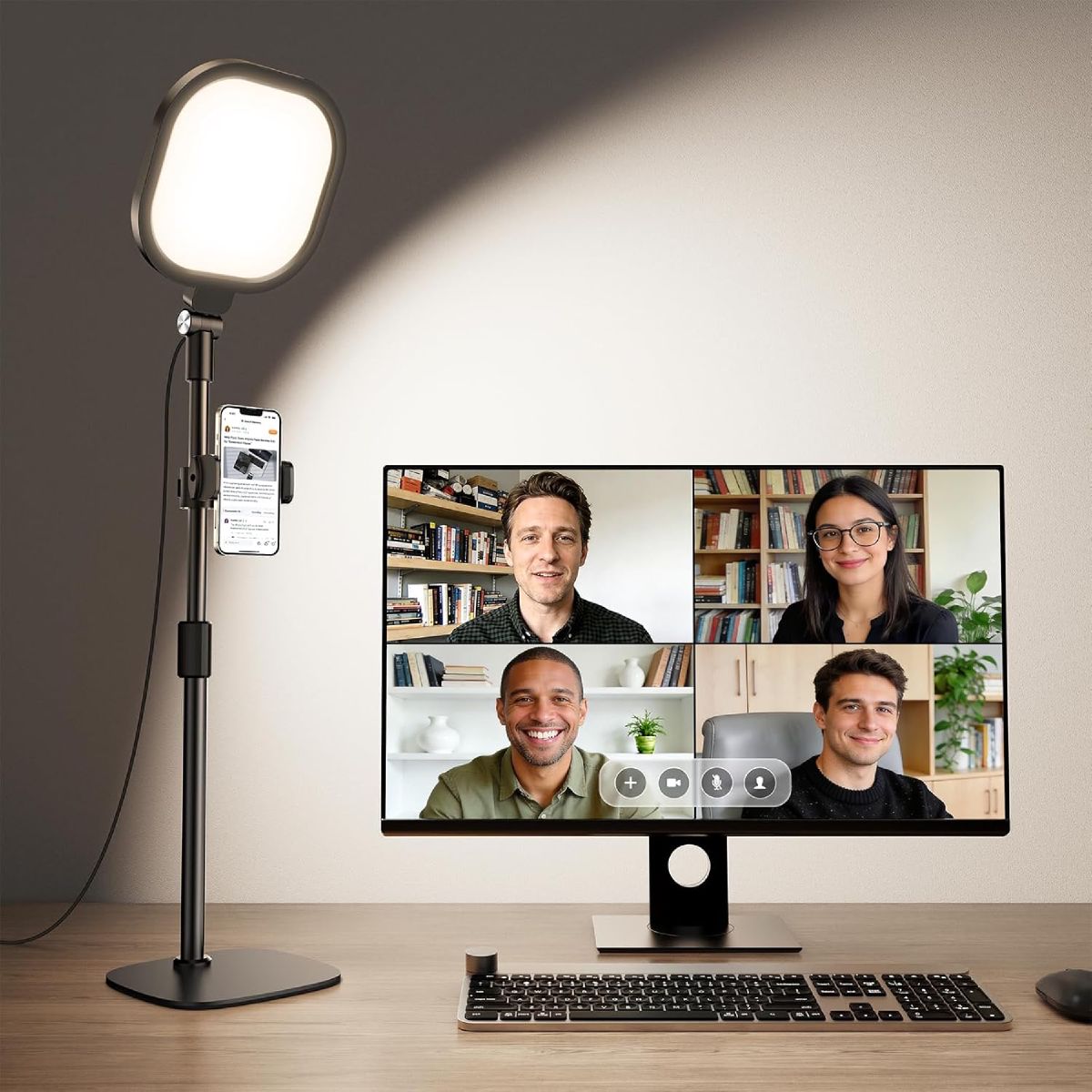
- Back to the window? Same fix, more essential: without it you’ll read as a silhouette every single call. This is where I’d reach for a light purpose-built for the job rather than angling a desk lamp and hoping:
 $36.97 $49.98 26% off price as of Oct 25
This is the fix I’d suggest first for anyone whose desk backs onto a window: a small ring/panel light on its own stand, angled just off-camera. The edge-lit design and 97.8 CRI render skin tones better than a phone-torch fix, and 30 adjustable modes mean you can dial warmth and brightness to match the room rather than blasting cold white light at your face. It holds 4.5 stars across 700+ ratings and an Amazon’s Choice badge for the category. The catch: it’s a fill light for your face, not a room light, so it won’t help the glare-on-monitor half of a facing-window setup. Pair it with blinds or the monitor bar above rather than expecting one product to solve both problems.
Where to buy: Buy the LitONES Video Conference Light on Amazon for under $40.
Keep the background simple either way: a plain wall, a few plants, or a tidy bookshelf reads far better on camera than a busy backdrop, whichever way your desk faces.
For the fuller lighting playbook beyond desk position (the 30-second fixes, two- and three-point setups, and gear picks), see my dedicated guide to lighting for video calls.
Small spaces and multi-use rooms
In a tight or shared room, I’d lean on corner desks and floating shelves before anything else, since they claim floor space without eating into the room’s flow. A room divider, a tall plant, or a bookshelf does double duty: it separates “office” from “living room” visually without a wall, and it gives you somewhere to point the desk that isn’t a blank corner. The goal is the same as everywhere else in this guide: angle the desk toward natural light without blocking the room’s traffic path.
Quick wins checklist
- Test side lighting first, at a few different times of day: the light that looks fine at 10am can glare badly at 4pm.
- Square the monitor up so the top of the screen sits at eye level.
- Add blinds or a monitor light bar to handle glare without moving furniture (see above).
- Keep the video-call background simple; a plain wall beats a cluttered one every time.
- Add plants or art if the desk faces a blank wall.
- Pick ceiling lights that suit the layout: my 10 Best Ceiling Lights for Home Office picks are sorted by room size and mounting height.
FAQs
Should I face the window?
You get a nicer view, but expect screen glare and a backlit look on calls. I’d only recommend it if you already have good blinds and are willing to manage the light through the day. Perpendicular placement is the safer default.
Best desk orientation for Zoom?
Side light on your face, plain background behind you. That combination beats any single “best” angle.
How do I stop glare without moving the desk?
Blinds or curtains first, then an anti-glare screen or a monitor hood. A monitor light bar (like the pick above) also helps by giving your eyes a light source that doesn’t compete with the screen.
How close is too close to a window for a desk?
Inside about 2-3 feet from a large, unfiltered window, light tends to swing between too dim in the morning and blown-out by midday. Somewhere in the 4-8 foot range usually gives you the same daylight with room for it to even out before it reaches your desk. Past 10 feet or so, daylight stops doing much work and the window becomes more of a view than a light source.
Where this fits next
Desk placement is one piece of a bigger home-office lighting plan. For the full picture, see my Ultimate Guide to Home Office Lighting, and if you’re weighing which type of light to add first, my Task Lighting vs Ambient Lighting comparison walks through the decision. For the desk lamp itself, my 10 Best Desk Lamps for Home Offices round-up has the models I’d actually buy.