The best LED bulb for a home office sits in the 4000K-5000K color-temperature range with a CRI of 90 or higher, and delivers 800+ lumens for a desk lamp or 1,600+ for overhead light. That combination (neutral-to-cool white, accurate colour rendering, genuinely bright) keeps you alert on a screen and looking right on a video call, and it’s usually a cheaper fix than replacing the fixture itself.
I get asked this a lot because it sounds like it should be complicated, and the boxes don’t help: watts, lumens, Kelvin, CRI, three different bases. It isn’t complicated once you know which four numbers actually matter and which you can ignore. Below is the short version, the specs explained properly, and the two bulbs I’d point a reader toward if they just want a quick, well-reviewed buy rather than a research project.
Quick Rules - Swap This for That (30-second fixes)
Short on time? These four rules cover most of what the rest of the guide explains.
- Check lumens, not watts. Watts only measure energy use, not brightness. For a single desk lamp, look for a bulb with around 800 lumens. For an overhead light, aim for 1,600 lumens or more, depending on your room size.
- Pick 4000K–5000K for focus. This is the “color temperature” of the light. Look for a bulb in the 4000–5000 Kelvin (K) range, which is a neutral to cool white light. It’s often described as “daylight” or “cool white” and is best for keeping you alert and focused.
- CRI 90+ for accurate colors. CRI stands for Color Rendering Index. A high CRI means the light shows colors more accurately. This is especially important if you’re a designer, artist, or just want to look your best on video calls. Aim for 90 or higher.
- Look for ENERGY STAR and dimmable if needed. An ENERGY STAR-certified bulb is a guarantee of quality and energy efficiency. If you want the ability to adjust brightness throughout the day, make sure the bulb’s box explicitly says “dimmable.”
The 4 Specs That Actually Matter
Every LED bulb box carries the same four numbers, and they’re all you need to make a sensible choice.
1. Lumens (Brightness)
Think of lumens (lm) as the true measure of a bulb’s brightness. The higher the number, the brighter the light. This is a far more reliable metric than watts, which only tell you how much power a bulb uses.
- For a single desk lamp: Aim for 450–800 lumens. This provides a strong, focused light for tasks like writing or reading without being overwhelming. An 800-lumen bulb is roughly equivalent to an old 60-watt incandescent bulb.
- For a whole room (overhead lighting): The number of lumens you need depends on the size of your room and how many light sources you have. A good starting point is 1,600–2,500 lumens for a medium-sized office. If you’re combining an overhead light with a desk lamp, you can go with a lower-lumen overhead bulb.
2. Color Temperature (Kelvin)
This spec, measured in Kelvin (K), describes the “color” of the light. It’s a spectrum, not a single color.
- 2700K–3000K (Warm White): This is the yellowish light you’d get from an old incandescent bulb. It’s cozy and relaxing, great for a living room, but not ideal for a workspace where you need to stay alert.
- 4000K (Neutral White): A balanced, clean light that’s perfect for the office. It feels like natural daylight on an overcast day. It’s energizing without feeling harsh.
- 5000K–6500K (Cool White/Daylight): This is a very bright, bluish-white light. It’s great for tasks that require high focus and for spaces like a workshop or garage. For an office, it can feel a bit clinical for some people, but it’s excellent for productivity.
The takeaway: For maximum productivity, choose a bulb in the 4000K to 5000K range.
3. CRI (Color Rendering Index)
CRI is a measure of how accurately a light source shows the true colors of objects. The scale goes from 0 to 100. A light source with a CRI of 100 would show colors exactly as they appear in natural daylight.
- Standard CRI (70–80): Most basic bulbs have this range. It’s fine for general use, but colors might look slightly muted or off.
- High CRI (90+): This is the sweet spot for a home office. A high CRI bulb shows colors on paper, fabrics, and even your own face on video calls accurately. If you’re a graphic designer, artist, or creator, this spec is non-negotiable.
4. Dimmable & Flicker-Free
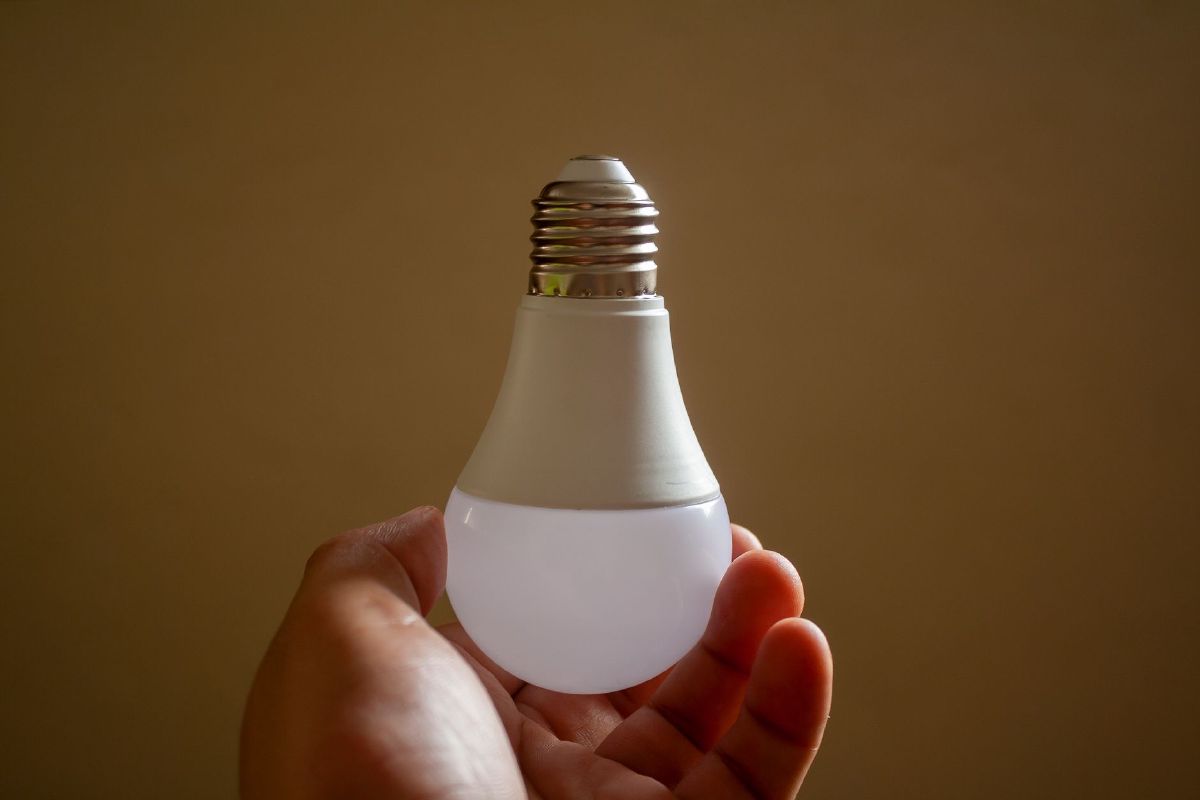
Not all LED bulbs are dimmable. If you want to be able to adjust the brightness with a dimmer switch, be sure to buy a bulb that is specifically labeled as “dimmable.” Using a non-dimmable bulb on a dimmer switch can cause buzzing and flickering.
Speaking of flickering, some cheaper LEDs can have a slight flicker that isn’t always visible to the naked eye but can cause eye strain and headaches, especially if you spend a lot of time on video calls. High-quality bulbs from reputable brands are designed to be flicker-free. The best way to check is to read reviews or choose a bulb from a trusted manufacturer.
Which Bulb for Which Setup (recipes)
The right bulb depends on your setup. Three common scenarios, with a recipe for each.
The Single Desk Lamp Setup
This is the simplest way to upgrade your lighting. You’re just swapping out one bulb.
- Bulb Type: A standard A-type or BR30 bulb with a medium (E26) base.
- Lumens: 800–1,100 lm. This will provide enough light for your work area.
- Color Temperature: 4000K–5000K for focus.
- CRI: 90+ for true colors and better video calls.
- Dimmable? Yes, if you have a compatible lamp and want to adjust the brightness.
The Full Layered Lighting Scheme
This is for a more intentional setup, combining different types of lights for a balanced, comfortable space.
- Overhead Light: Use a bulb with a broader light spread. Aim for 1,600+ lumens and a neutral color temperature (4000K).
- Desk Lamp: A smaller, focused bulb. 800 lumens and 4000K–5000K is perfect for task lighting.
- Accent Lights: Consider adding a floor lamp or wall sconces with warmer bulbs (2700K–3000K) to create a relaxed atmosphere for breaks or evening work.
The Windowless Office or Video Call Setup
If your workspace lacks natural light or if you’re constantly on camera, light quality is everything.
- Primary Light: A powerful, high-CRI overhead bulb (1,600+ lumens, 90+ CRI, 4000K).
- Fill Light: A smaller, movable light source like a ring light or a desk lamp with a high CRI bulb. Place it behind your monitor to reduce glare and provide a soft, even light on your face. Aim for 4000K-5000K to look bright and professional on camera.
Need a product pick rather than a spec sheet? Two bulbs below cover most of what I get asked about: a smart tunable-white swap for the whole-room recipe above, and a ring light for the windowless/video-call setup. I’m not running a full 10-bulb round-up here; these are just the two I’d point a reader toward first, chosen because they’re well-reviewed, already do the specific job the recipe above calls for, and I’ve vetted the numbers myself rather than taking a listing’s word for it.
For the Whole-Room or Layered Setup: A Tunable Smart Bulb
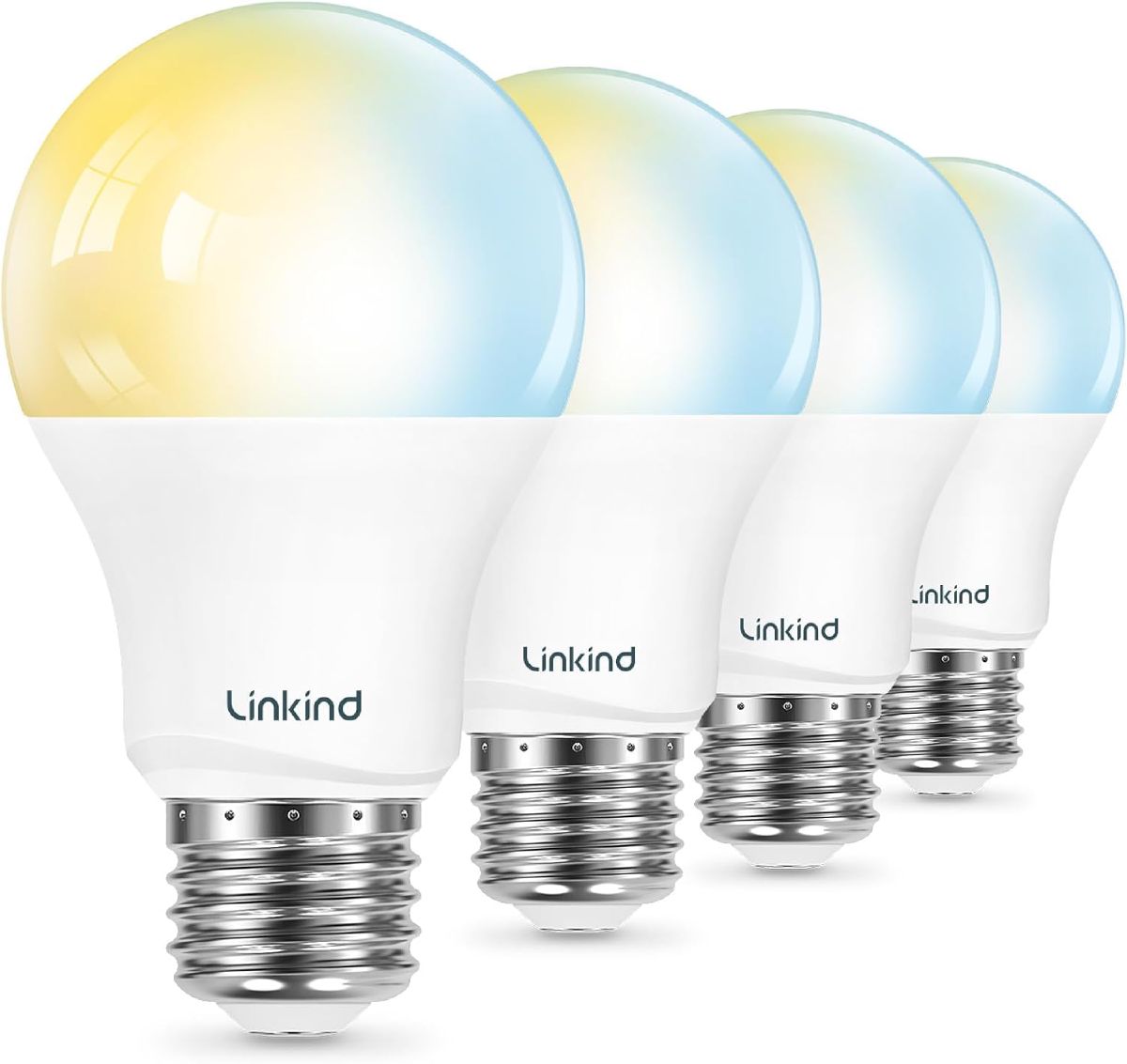
Most of this guide boils down to Kelvin and CRI, and a tunable bulb sidesteps the “pick one Kelvin forever” decision entirely. Screwed into any lamp or ceiling fixture with a standard E26 socket, the Linkind tunable white smart bulb 4-pack rides the whole 2700K–6500K range this article maps out (cool and bright when you need alertness, warm once you’re done for the day) with no hub in the chain, just WiFi. Over 500 buyers average it at 4.5 stars.
 $19.99 price as of Oct 23
The catch: first-time setup routes through Linkind’s own AiDot app before Alexa or Google Home get involved. It’s a one-time step, but clunkier onboarding than bulbs that pair with your assistant directly.
Buy the Linkind Smart Bulb 4-Pack on Amazon
For the Windowless Office or Constant Video Calls: A Ring Light
A bulb swap alone won’t fix a face lit from the wrong angle. A point-source overhead light aimed straight down still casts shadows under your eyes no matter how good its CRI is. The fix there is geometry, not specs, which is why I’d add the LUOLED 10" clamp-on ring light rather than yet another bulb: it surrounds the camera with soft, even light, and because its warm/white/cool modes and ten-level dimmer sit on an inline remote, it’s easy to tune until it matches the Kelvin range the rest of your setup runs.
 $42.99 price as of Oct 20
One weak point: the desk clamp. It bites fine on a standard square edge, but on a thick or curved desktop it never feels fully secure, so check your desk profile before ordering.
Buy the LUOLED Ring Light on Amazon
For the wider field of desk lamps that also solve this, see my 10 Best Desk Lamps for Home Offices round-up, or the specific Best Lighting for Video Calls setups if calls are the whole reason you’re buying.
Buying Checklist: Decoding the Bulb Label
The next time you’re at the store (or shopping online), use this checklist to quickly decode the info on the box.
- Lumens (lm): Look for this number first. Higher number = brighter light.
- Kelvin (K): Check for the color temperature. 4000K–5000K is your target for focus.
- CRI: Aim for 90+ for the most accurate colors.
- Dimmable: Does it say “Dimmable”? If so, it works with a dimmer switch.
- ENERGY STAR: This logo guarantees the bulb meets strict energy efficiency and quality standards.
- Base Type: Make sure the base (like E26) matches your lamp’s socket.
FAQs
Which Kelvin is best for productivity?
For most people, a color temperature between 4000K and 5000K is best for productivity. This range mimics natural daylight, which helps keep you alert and focused. Warmer light (below 3000K) is too relaxing for focused work. For more detail, we have a Full Guide on Color Temperature.
How many lumens do I need for a desk lamp vs. the whole room?
For a single desk lamp, aim for 450–800 lumens. This is perfect for task lighting. For a whole room, you’ll need more. A good starting point is 1,600 lumens for a medium-sized room, but you can go higher depending on your needs and other light sources.
Is CRI 90+ necessary?
Not strictly, for a basic home office. But a CRI of 90 or higher matters most for anyone who works with colors (artists, designers) or spends a lot of time on video calls, because it keeps skin tones and materials looking accurate rather than washed out.
Are smart bulbs worth it for a home office?
I’d say yes if you actually want to shift color temperature through the day (cooler for a 2pm slump, warmer for winding down) without buying two different bulbs. That’s the case for a tunable pick like the Linkind 4-pack above. If you just want one fixed 4000K-5000K setting and never plan to touch it again, a cheaper non-smart bulb with the right specs will do the same job for less money.
How do I avoid flicker and glare on video calls?
To avoid flicker, choose a high-quality, flicker-free LED bulb. To minimize glare, don’t have a single, bright light source directly in front of or behind your screen. Instead, use a desk lamp positioned to the side and slightly in front of you, or use a broad overhead light. A high-CRI bulb will also make your face look better without harsh shadows.
Conclusion
The whole decision comes down to four numbers on the box: 800+ lumens at the desk (1,600+ overhead), 4000K-5000K, CRI 90 or higher, and the word “dimmable” if your fixture needs it. Ignore watts.
A single bulb swap is also the smallest piece of a bigger picture. For the full ambient/task/accent layering approach these recipes come from, see my Ultimate Guide to Home Office Lighting.