The short version: smart lighting earns its keep in a home office through three things: dimmable tunable-white light that cuts screen glare, scenes you can trigger with one tap for focus work vs. video calls, and (optionally) sensors that turn lights off when you step away. Start with a single smart bulb or a tunable desk lamp before building out a full hub-based system; that’s where most of the day-to-day benefit lives.
If you work remotely, your home office is more than a desk and a chair; it’s the hub of your professional life. But have you ever considered the impact of something as fundamental as your lighting? Poor lighting can lead to eye strain, headaches, and a major slump in productivity. The fix is rarely brighter bulbs. It’s smarter ones. Smart lighting in your home office turns a simple room into an ergonomic workspace that adapts to your needs and helps your focus.
This guide covers smart lighting for your home office from the basic benefits to setup tips. If you’re dealing with glare on your monitor, or simply want a more modern, flexible setup, smarter lights are a practical way to improve your well-being and get more done.
1. The Benefits of Smart Lighting for Your Workspace
Upgrading your office to smart lighting is about more than convenience. It’s an investment in your health and productivity.
- Energy savings: smart LED lighting is very efficient, and schedules plus motion sensors mean lights are only on when and where you need them. That can noticeably reduce your electricity bill over time.
- Focus: the right light can prime your brain for work. Adjusting color temperature and brightness lets you build a good environment for concentration, for a complex report as much as a brainstorm.
- Comfort: instead of harsh, unflattering light, a tap on your phone or a voice command gets you an inviting atmosphere that reduces eye strain and supports your natural circadian rhythm.
- Control: from a bright, cool light for deep work to a warm, soft glow for late-night email checks, you can create custom “scenes” for different tasks or times of the day, all managed from your smartphone or a dedicated smart controller.
2. Key Features to Look for in Smart Office Lighting
Smart lights vary a lot in what they can do. When building your setup, these are the features worth checking for.
- Dimming and tunable white is the fundamental one. Dimming prevents glare on your screen and lets you adjust brightness to the time of day, while “tunable white” changes the color temperature from a cool, crisp white (ideal for morning focus) to a warm, relaxing yellow (perfect for winding down).
- Presets and scenes save and recall your favorite configurations with a single command. A “Focus Mode” can set your desk lamp to a bright, cool white, while a “Video Call” scene brightens the area around your face.
- Circadian rhythm tuning automatically adjusts color temperature and brightness through the day to mimic the sun’s natural cycle. This can help regulate your sleep-wake cycle, improving daytime alertness and sleep quality at night.
- Motion and occupancy sensors turn lights on when you enter the room and off when you leave. Simple, but an effective energy saver.
- Voice and app control lets you adjust everything through Alexa, Google Assistant, or a dedicated app without ever getting up from your desk.
3. Setting Up Your Smart Lighting Ecosystem
Here’s a short breakdown of the core components of a home office smart lighting system.
Two decisions drive most of the setup: bulbs or switches, and hub or hubless.
Smart bulbs are the easiest way to get started; screw one into an existing fixture and you get full color and dimming control, though the cost adds up if you’re fitting out several. Smart switches replace the physical switch instead, turning every “dumb” bulb on that circuit smart at once, which suits overhead lighting and works out cheaper for a larger room. Whichever you pick, the bulb itself needs a real spec check first: I go through lumens, Kelvin range, CRI and hub-vs-hubless compatibility in detail, with picks at each price point, in my companion guide to choosing smart bulbs.
For the wider ecosystem question, Philips Hue is the strongest dedicated lighting platform if you want the deepest scene library and don’t mind adding a bridge, while Amazon Alexa, Apple HomeKit and Google Home each control lighting alongside your other smart devices under one roof. Match the ecosystem to whatever you’re already running rather than starting from lighting alone.
4. The Real-World Impact: Productivity & Well-being
Beyond the tech specs, the value of a smart setup shows up in your daily life.
- Less glare and eye strain: eye fatigue is one of the most common work-from-home complaints. Dimming your lights and adjusting the color temperature of your light source (a desk lamp, say) can drastically reduce glare on your monitor, preventing headaches and fatigue.
- Support for your natural rhythm: bright, cool light in the morning helps you wake up and focus, while warmer, softer light in the evening signals it’s time to wind down. Smart lights that mimic this cycle support your body’s internal clock, which pays off in both daytime alertness and nighttime sleep quality.
- The right mood for the task: your workspace hosts video calls, creative work, and quiet reading as well as spreadsheets. Smart lighting lets you run a focused, high-energy environment for a client meeting and a relaxed, warm atmosphere for late-night reading from the same fixtures.
5. How to Choose & Upgrade Your Home Office Lighting
When building your ideal setup, consider these factors:
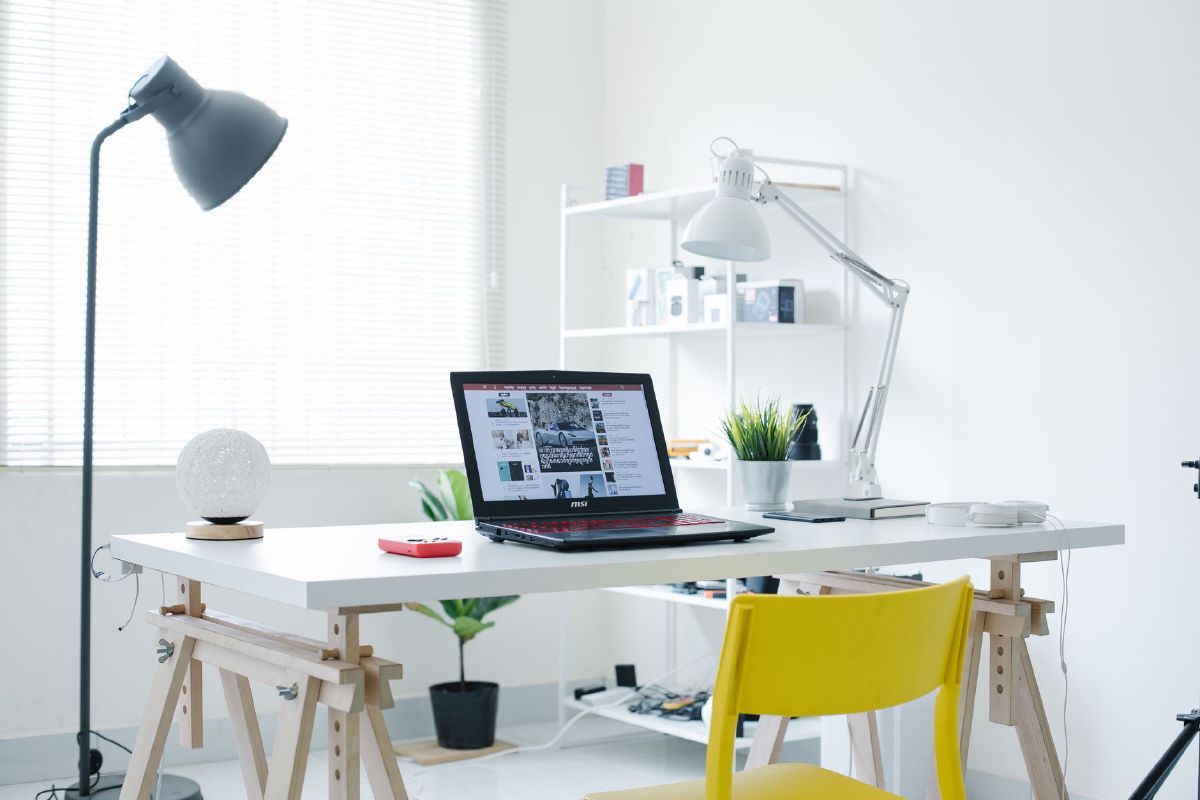
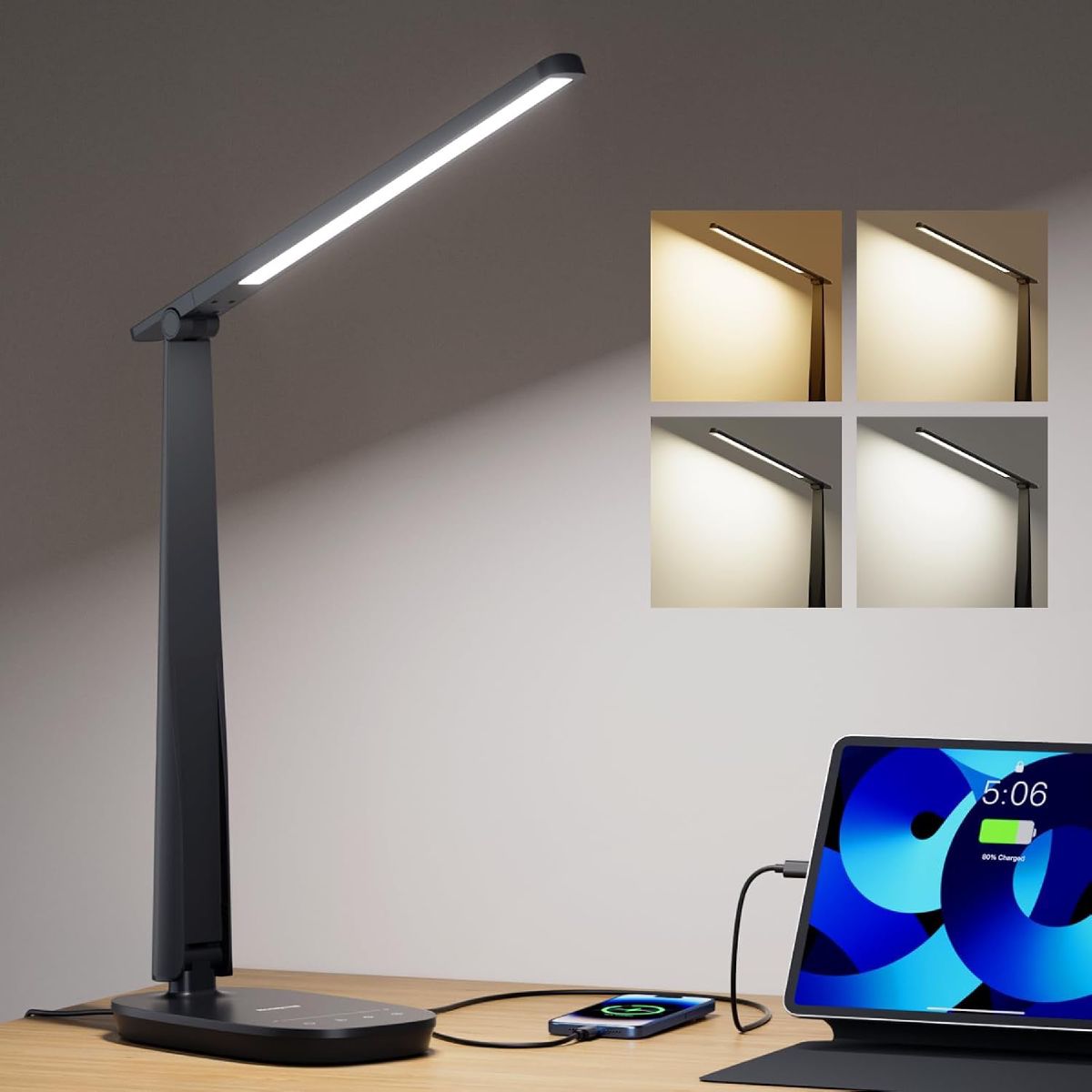
Task lighting: your desk lamp is your primary source of task lighting, and a smart desk lamp with tunable white and dimming is an excellent place to start. I’d point you at the Honeywell LED Desk Lamp. Its foldable arm and touch-control base make it easy to clip onto a small desk and re-aim through the day, and it’s cheap enough to be a genuine “start small” first purchase. The honest con: it’s touch-dimmed rather than app-connected, so it won’t fit into a voice-assistant scene the way a smart bulb will. Treat it as task lighting, not part of the automated system.
 $30.59 price as of Oct 23
Overhead lighting: upgrade your main ceiling fixture with a smart bulb or a smart switch to control the ambient light in the room.
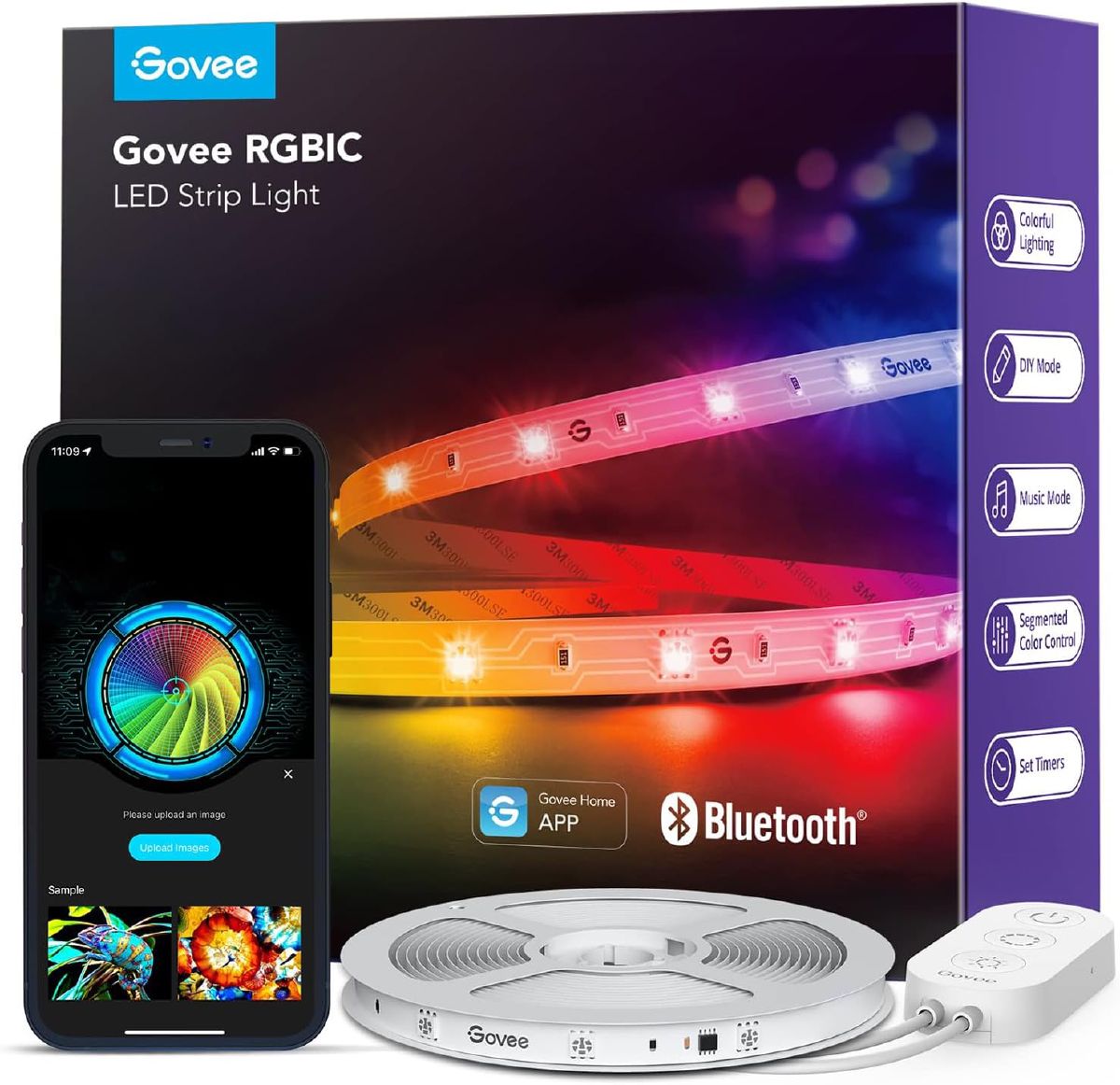
Accent lighting: add LED light strips behind your monitor or along bookshelves for a touch of ambiance and a softer background light that eases eye fatigue. Here the Govee RGBIC LED Strip Lights earn a place in a smart setup: each segment is addressable, so one scene can hold plain warm white through the workday and hand over to color in the evening without you touching the hardware. It’s a crowd-vetted choice too, at 4.4 stars from more than 26,000 ratings. The flip side of all that capability is a busy app. If your whole wishlist is “on, warm, dim,” a basic single-color strip is the calmer buy.
 $14.99 price as of Oct 23
For more ideas and specific product recommendations, check out our guide on the 10 Best Desk Lamps for Home Offices.
6. Quick Setup Guide
Getting a smart lighting system running is easier than you might think.
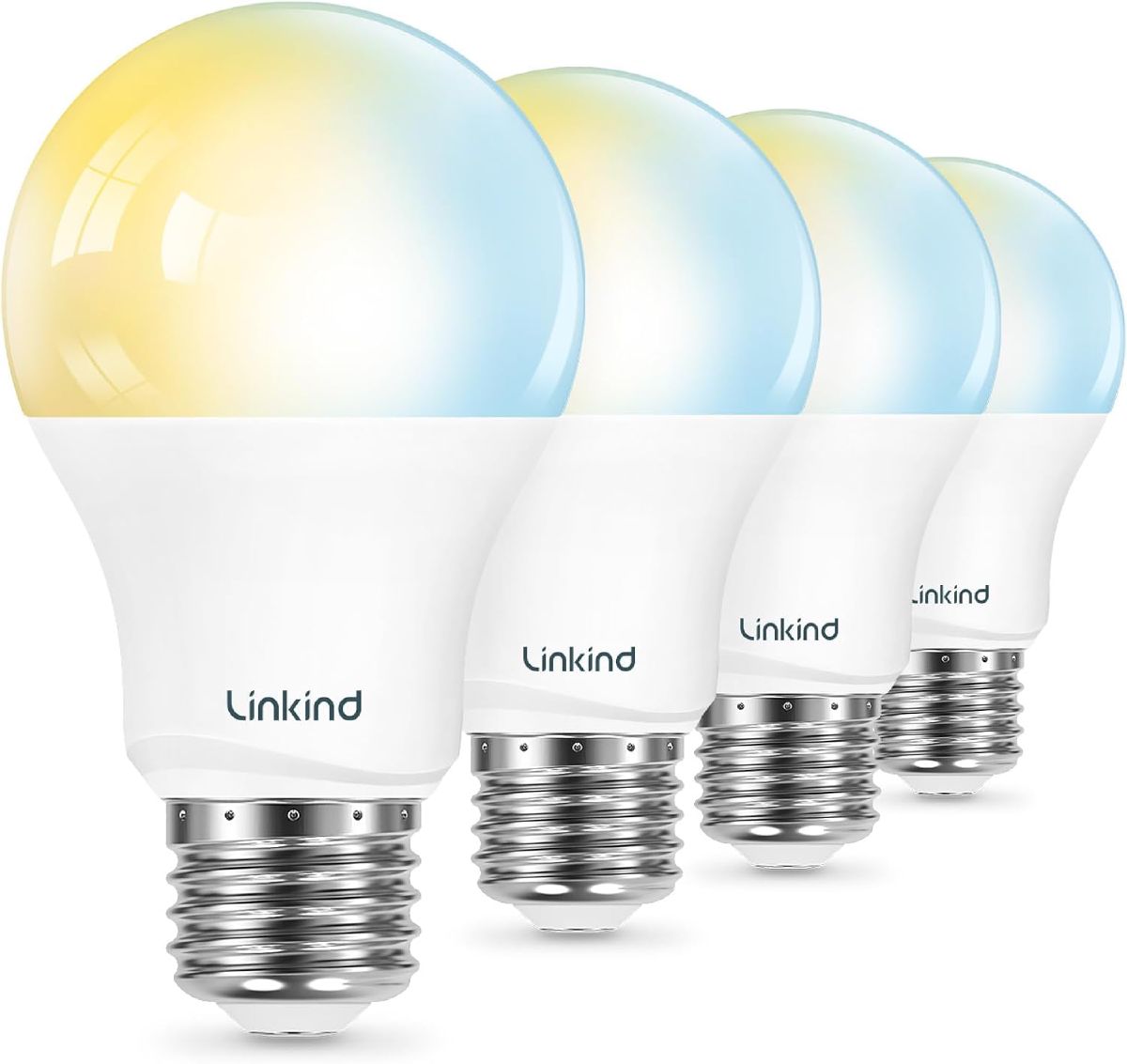
Start small. Begin with a single smart bulb for your desk lamp; it’s a low-cost, low-commitment way to test the waters. My starter suggestion is the Linkind Tunable White Smart Bulb: about $20 buys the whole 2700K-6500K sweep in a single bulb, with Alexa and Google Home support once it’s paired. Just know the control lives entirely in software (a physical wall dimmer does nothing for it), so it rewards people who are happy running their lights by phone or voice.
 $19.99 price as of Oct 23
Download the manufacturer’s app and follow the pairing instructions.
Create a scene. Once connected, play with the features: a “Work Scene” with bright, focused light and a “Relax Scene” with a warm, dim glow.
Integrate with voice assistants. If you have an Alexa or Google Home device, link the lighting app to it. Now you can say, “Hey Google, turn on my focus light.”
For more automation tips, see our guide on layering ambient, task, and accent lighting in a home office.
FAQs: Your Smart Lighting Questions Answered
Are smart bulbs worth it?
Yes, if you value convenience, customization, and improved well-being. While they have a higher upfront cost, their energy efficiency and long lifespan often make them a worthwhile investment in the long run.
How do I avoid glare on my computer screen?
Glare is typically caused by lights that are too bright or poorly positioned. Use a smart desk lamp that you can dim and position it so that the light doesn’t directly hit your screen. Use a “monitor bias light” (like a smart LED strip behind your screen) to reduce eye strain by balancing the light from your monitor.
Do smart lights really help productivity?
Yes. Matching the light to the task, from a high-energy, cool light for focused work to a warm, soft light for creative brainstorming, can significantly help your concentration and reduce mental fatigue.
For a deeper dive into overall home office design, including other home office lighting ideas, read our comprehensive Ultimate Guide to Home Office Lighting.