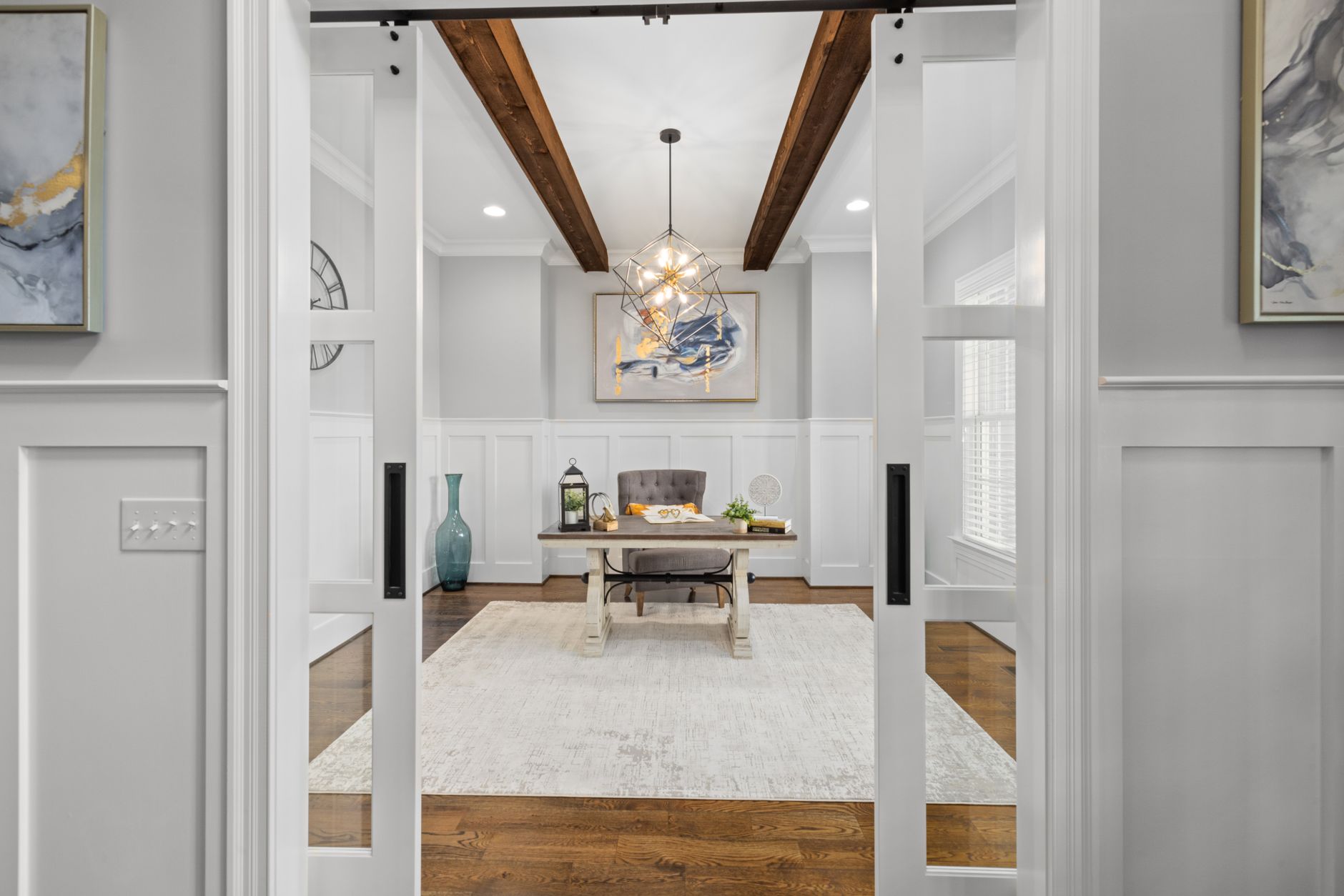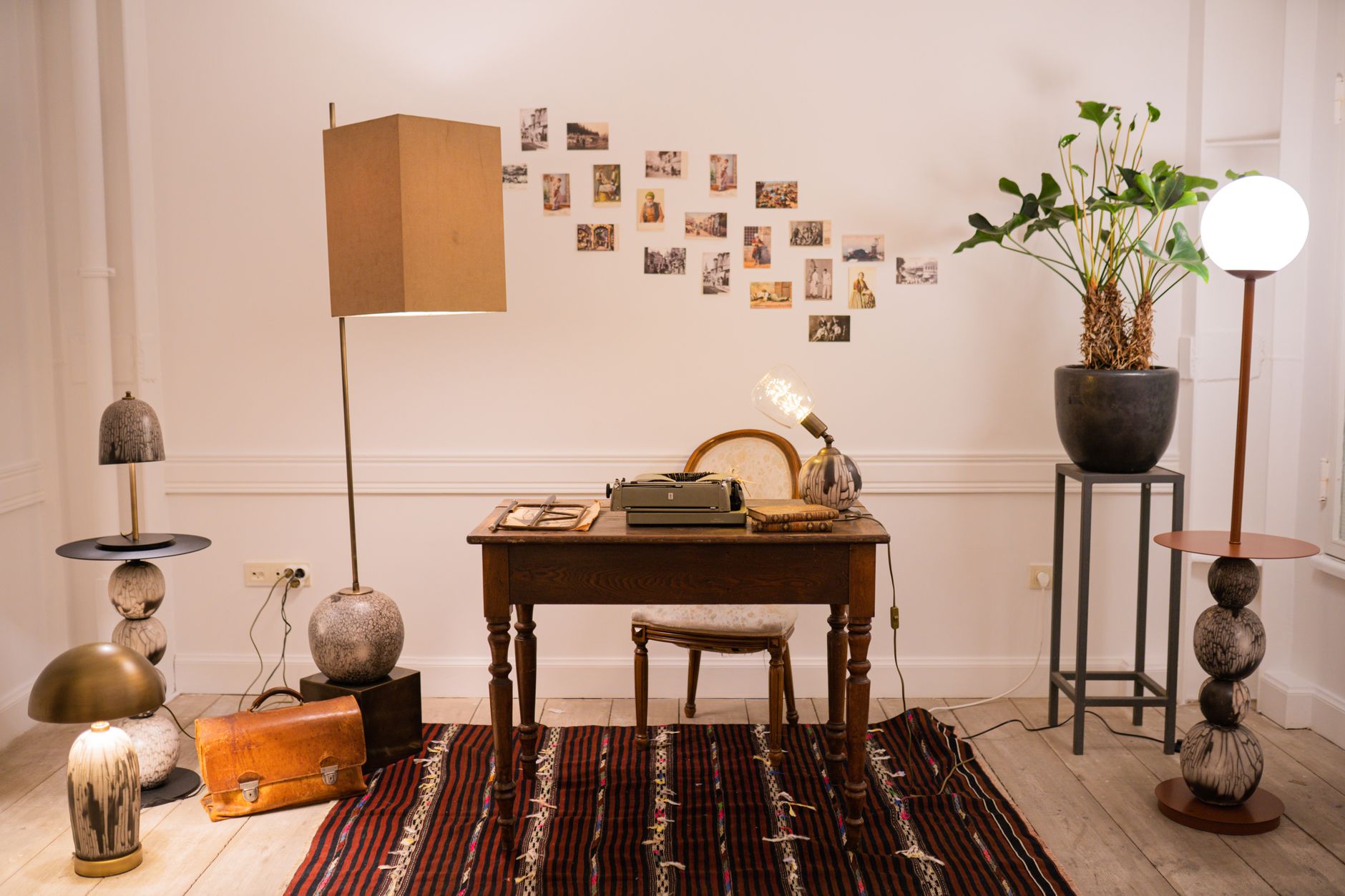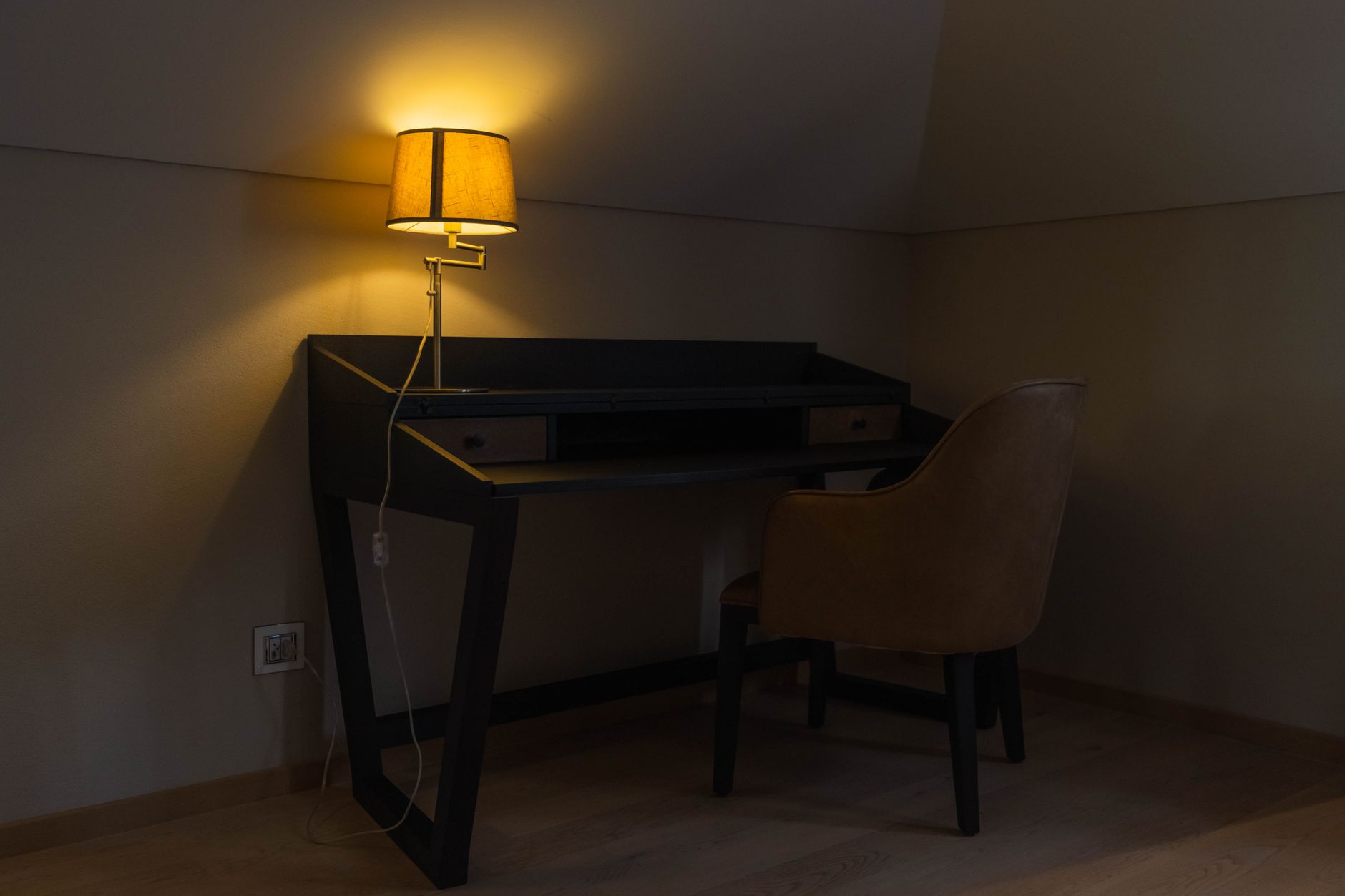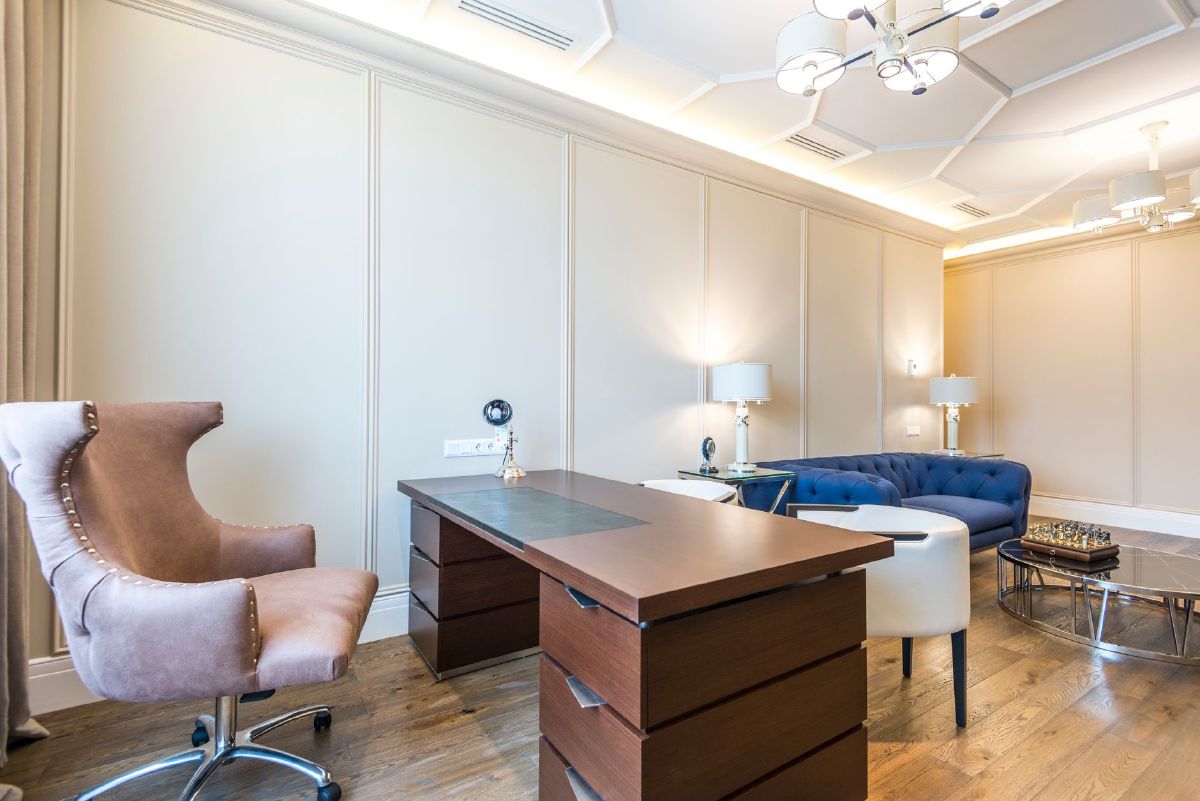
Task lighting is the bright, directed light aimed at one job (your keyboard, your monitor, your notes); ambient lighting is the soft, general glow that fills the rest of the room. Neither does the other’s job well, and I’d say most of the “why does my office feel exhausting by 3pm” complaints I hear trace back to a desk running on just one of the two. Get the balance right and you fix eye strain, glare on video calls, and that flat, gloomy feeling in one move.
Working from home has its perks - no commute, comfy clothes, and a kitchen just steps away. But if you’ve ever squinted at your screen or felt a headache coming on after a long day, your home office lighting is a likely culprit. Below is how I’d diagnose which layer you’re missing, how to combine both without creating glare, and the specific fixtures I’d actually buy for each layer. For a more comprehensive look at your entire lighting setup, see the Ultimate Guide to Home Office Lighting.
What Task Lighting Is (and when you need it)
Think of task lighting as your personal spotlight for work. It’s bright, focused, and directed at a specific area, like your desk or keyboard. Its purpose is to illuminate one activity well, which reduces eye strain and improves visibility.
Common examples include:
- Desk lamps, the most common form of office task lighting. They direct light exactly where you need it.
- Monitor lights or bars, which clip onto the top of your screen and cast light downward onto your desk without creating glare on your monitor.
- Under-cabinet strips, useful for illuminating a keyboard or documents on a pull-out shelf.
When choosing a task light, look for options that are adjustable, dimmable, and have a high Color Rendering Index (CRI) of 90+ so colors appear true to life. For a home office, a brightness level (lux) of around 500 is a good target for focused work.
If you just want a well-reviewed lamp that ticks those boxes without a research project, I’d point you at the clamp-mount architect desk lamp. It’s an Amazon’s Choice pick with a swing arm that reaches over a keyboard, a remote, and 25 lighting modes so you can dial in warmth and brightness independently. The honest downside: the clamp needs a desk edge under about 2.5 inches thick, so it won’t mount to a very thick or curved desk. Check your desk lip before buying.
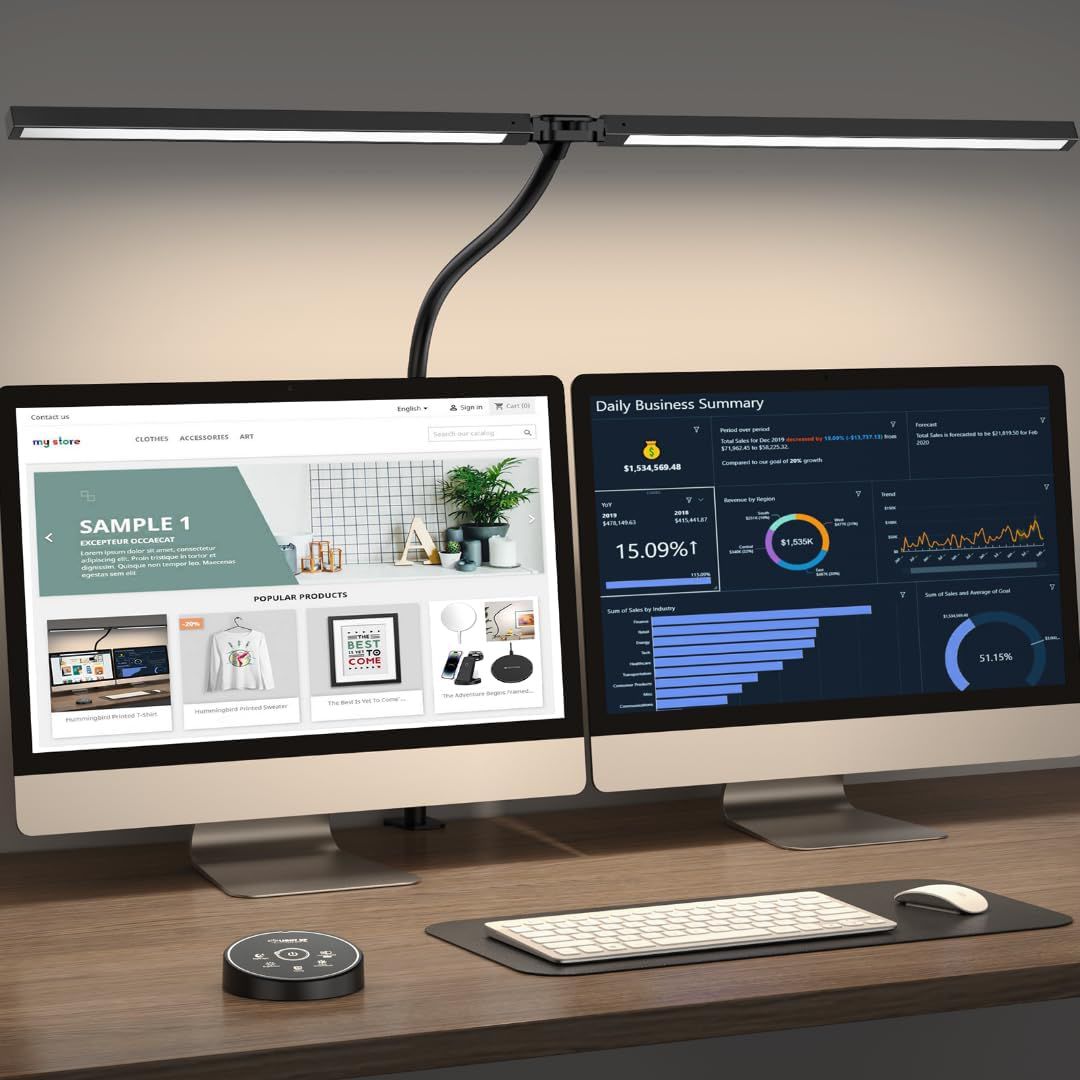 $49.99 $69.49 28% off price as of Aug 26
Buy the Clamp-Mount Architect Desk Lamp on Amazon
What Ambient Lighting Is (and when it’s enough)
Ambient lighting provides the general, overall illumination for a room. It’s what you use to navigate safely and comfortably without stumbling. This type of lighting is typically soft and diffused, creating an even, shadow-free base layer of light.
Examples of ambient lighting fixtures include:
- Ceiling lights: flush-mount fixtures, pendant lights, or chandeliers. Check out our Top 10 Ceiling Lights for more!
- Recessed lighting, built into the ceiling.
- Floor lamps that bounce light off the ceiling or walls to soften it.
Ambient lighting alone is usually not enough for focused work, but it sets the tone of the room and prevents the sharp contrasts that cause eye fatigue.
How to Balance Them (Layering Rules)
The secret to great home office lighting is layering. The goal is a balanced environment where your task light is brighter than your ambient light, but not so bright that it creates uncomfortable glare.
Here are my layering rules for a home office:
- Don’t rely on a single overhead light. It creates a harsh, downward-facing shadow that falls directly on your work area.
- Avoid direct glare. Your monitor should never face a window or a direct light source; position your screen perpendicular to the window to avoid glare from natural light. For more tips on this topic, see our guide on how to maximize sunlight in your home office.
- Use dimmers on both your task and ambient lights, so you can adjust the light levels to the time of day and the task at hand.
- Let the task light lead. Your primary source of light for work should be your desk task lighting. Use your ambient light to fill in the rest of the room, reducing the contrast between your bright desk and the darker surrounding space.
Common Problems & Fixes
Community questions on Reddit and other forums reinforce common home office lighting problems like glare on screens and poor video-call quality. Here are some quick fixes:
- Glare on screens: if you see reflections, your light source is in the wrong place. Try repositioning your desk to be perpendicular to any windows or use a monitor hood to block external light. An adjustable arm lamp can also help you direct the light to your work without bouncing it off your screen.
- Video-call lighting: for a professional look, you need even, front-facing light. This is one job where task lighting and ambient lighting both fall short, since neither aims at you. A camera-facing ring like the LUOLED 10" clamp-on ring light fills that gap: it clips to the monitor and lights the face from the lens’s own direction, with colour and brightness adjusted from a corded remote. What I’d change about it is the phone-holder arm, which is too flimsy to trust with anything heavier than a phone; DSLR-as-webcam users should mount the camera separately. Avoid light from directly above, which creates shadows under your eyes.
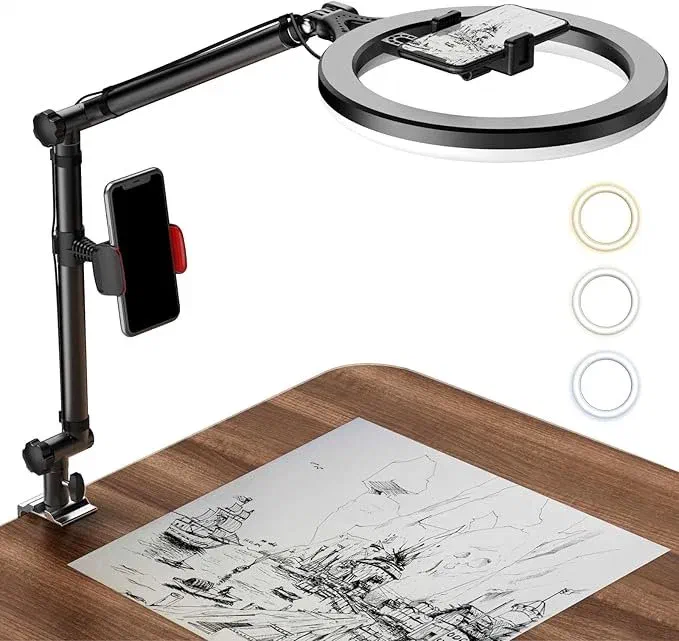 $42.99 price as of Aug 26
Buy the LUOLED Ring Light on Amazon
- Small rooms or no windows: if you’re in a tight space or a windowless room, use a combination of a floor lamp to provide a soft wash of ambient light and a highly adjustable desk lamp to focus on your work area. For more detailed strategies, read our guide on how to light a small home office.
Product & Setup Recommendations
Here are three sample setups with suggested fixture types:
- Budget setup: focus on the essentials. A simple, flexible LED desk lamp is a must. Pair it with a basic floor lamp with a linen shade to provide soft, general illumination.
- Mid-range setup: upgrade to a monitor light bar to eliminate desk clutter and a smart floor lamp with color temperature control to adjust the mood. This setup gives you more granular control over your light.
- Premium setup: invest in a high-quality, fully adjustable task lamp with a high CRI and multiple dimming options. This is where I’d put the Honeywell HJ1BK, which runs a genuine CRI of 97 and stays flicker-free even at low dim settings, so colours and skin tones look accurate when you’re colour-matching fabric as well as when you’re on a call. Its only real downside is price. It costs several times what a basic clamp lamp does, which only pays off if CRI accuracy actually matters to your work. Complement it with recessed ceiling lights on a dimmer switch and an accent lamp to highlight a piece of art or a plant, and you have a layered, professional environment.
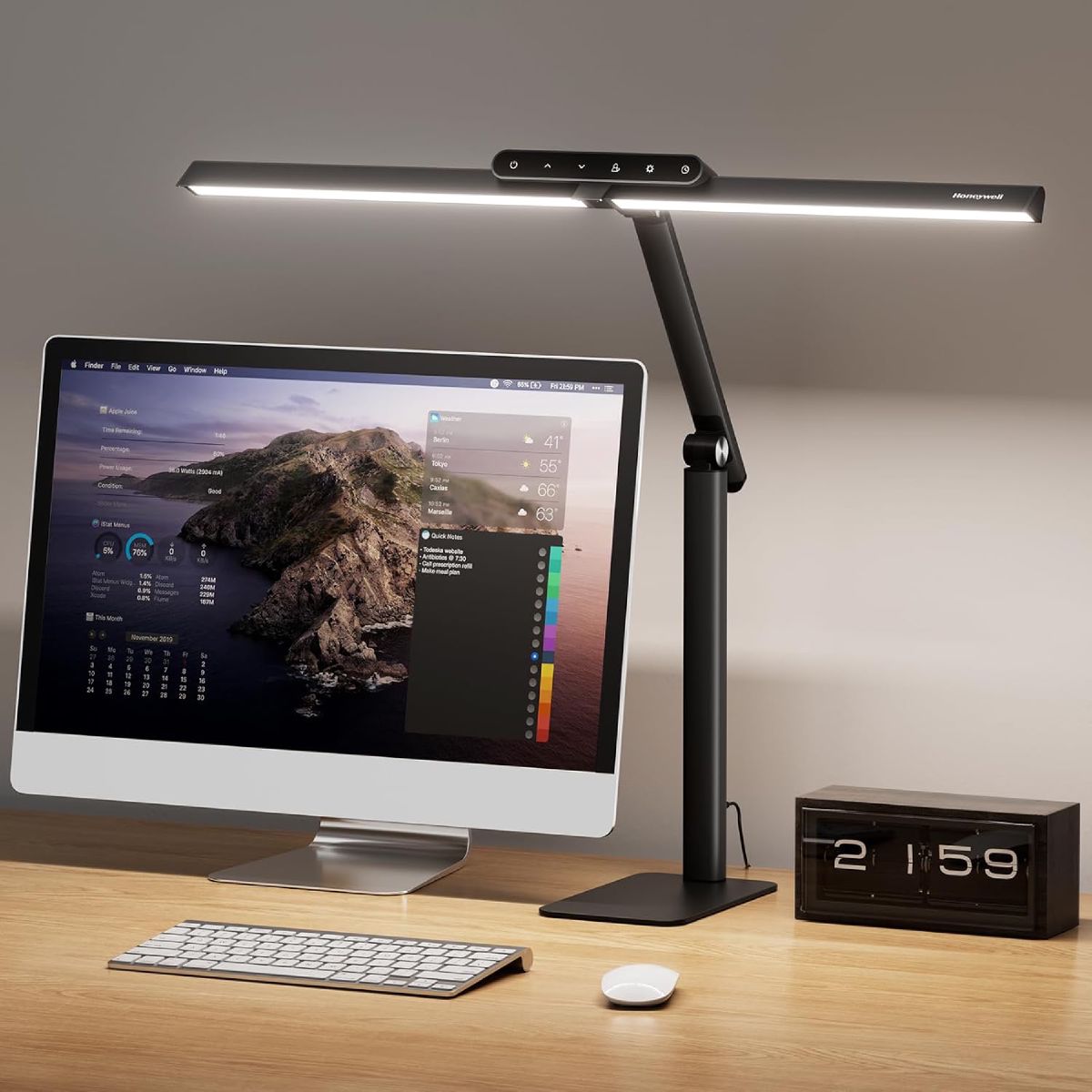 $84.99 $105.99 20% off price as of Aug 26
Buy the Honeywell CRI 97 Desk Lamp on Amazon
To find more options for your space, explore our guide to the best desk lamps for focused task lighting or browse our list of the best floor lamps for home offices.
FAQs
Do I need both task and ambient lighting?
Yes. While you can get by with just one, using both is the best way to create a comfortable, productive, and glare-free environment.
What’s the best bulb temperature for work?
A neutral white light (around 4000K) is a good choice for a work environment, as it’s energizing and keeps you focused without being too blue or harsh.
Can ambient lighting replace task lighting?
No. While ambient lighting provides a base layer, it lacks the brightness and focus needed for detailed work and can lead to eye strain if used alone for extended periods.
Your home office lighting is more than a convenience; it’s a tool for your health and productivity. Understand the two roles, apply the layering rules above, and aim for a task light around 500 lux over a softer ambient base. That combination is what keeps a workspace comfortable at 3pm as well as at 9am.