Short answer: for a home office, you want a bulb with a wide, adjustable color-temperature range (so you can go cool and alert in the morning, warm and relaxed by evening), a CRI of 90+ if you do any color-sensitive work, and, for most people, a hubless model that connects straight to Wi-Fi rather than a separate bridge. Beyond that, it’s really a question of how much control you want and what you’ll pay for it.
I get asked a version of this question constantly: “do I actually need a smart bulb, or is a regular LED fine?” My honest answer is that it depends on how much your lighting needs to flex through the day. If you sit at the same desk from 9 to 5 with one fixed overhead light, a smart bulb is a nice-to-have. If you’re on video calls in the morning and want to wind the room down for reading or admin work later, the scheduling and color-temperature control genuinely earns its keep. For the wider setup (hubs, switches, and scenes) see our companion guide to smart lighting in your home office.
Why Smart Bulbs Make Sense for Your Home Office
Any bulb can light a room. What a smart bulb adds is control. From your phone or a voice assistant (Alexa, Google Assistant) you can set a bright, cool white for morning tasks that need sharp focus, then shift to a warmer, softer light in the evening to wind down.
Schedules do the same thing automatically: lights on at the start of your workday, a gradual dim as a visual cue that it’s time to log off, and full control of brightness, color, and effects from anywhere if you’re working late. And while regular LED bulbs are already efficient, features like scheduling and motion sensing mean a smart bulb is only on when you actually need it.
The 4 Specs That Matter
The box lists a lot of numbers; only four of them matter when choosing LED smart bulbs.
- Brightness (Lumens): Forget watts; lumens are the real measure of brightness. A higher lumen number means a brighter light. For a desk lamp, aim for 400-800 lumens. For overhead lighting in a standard-sized room, look for 800-1,600 lumens or more.
- Color Temperature (Kelvin): Measured in Kelvin (K), this determines the warmth or coolness of the light. A lower Kelvin (2,700K–3,000K) produces a warm, yellowish light, great for relaxing. A higher Kelvin (5,000K–6,500K) produces a cool, bluish light that mimics daylight, ideal for staying alert and focused. We also have a Full Guide on The Best Color Temperature.
- Color Rendering Index (CRI): CRI measures how accurately a light source shows colors compared to natural daylight. A higher CRI (90+) means colors will look more true-to-life under the light. This is especially important for designers, artists, or anyone who works with visuals.
- Compatibility: This is key. Check for logos like “Works with Alexa” or “Works with Google Assistant.” Most brand names like Philips Hue, Govee, and Sylvania offer wide compatibility. You’ll also want to know if the bulb is hub vs hubless smart bulbs.
Smart Bulbs vs Regular LEDs
You might be asking, “When is a regular LED bulb fine, and when does a smart bulb add real value?”
A regular LED bulb is perfect for areas where you don’t need dynamic control, like a closet or a pantry. They’re affordable, efficient, and reliable.
However, smart bulbs for a home office are worth the investment when you need flexibility and convenience. They allow you to fine-tune your lighting for different tasks, integrate with other smart home devices, and use features like scheduling and dimming without needing a separate dimmer switch.
For more product recommendations across a wider range of price points, see our round-up of the best smart bulbs; most of the picks there suit a desk setup just as well as a bedroom.
Picking the Right Bulb for Your Setup
The best bulb depends on where you plan to use it in your office.
- Desk Lamp: A single dimmable smart bulb is usually all you need here. Look for one with a wide Kelvin range so you can adjust the light from a cool white for focused work to a warm glow for late-night reading.
- Overhead Lighting: For your main room light, consider a bulb with a high lumen output. You might need multiple bulbs to fully illuminate the space.
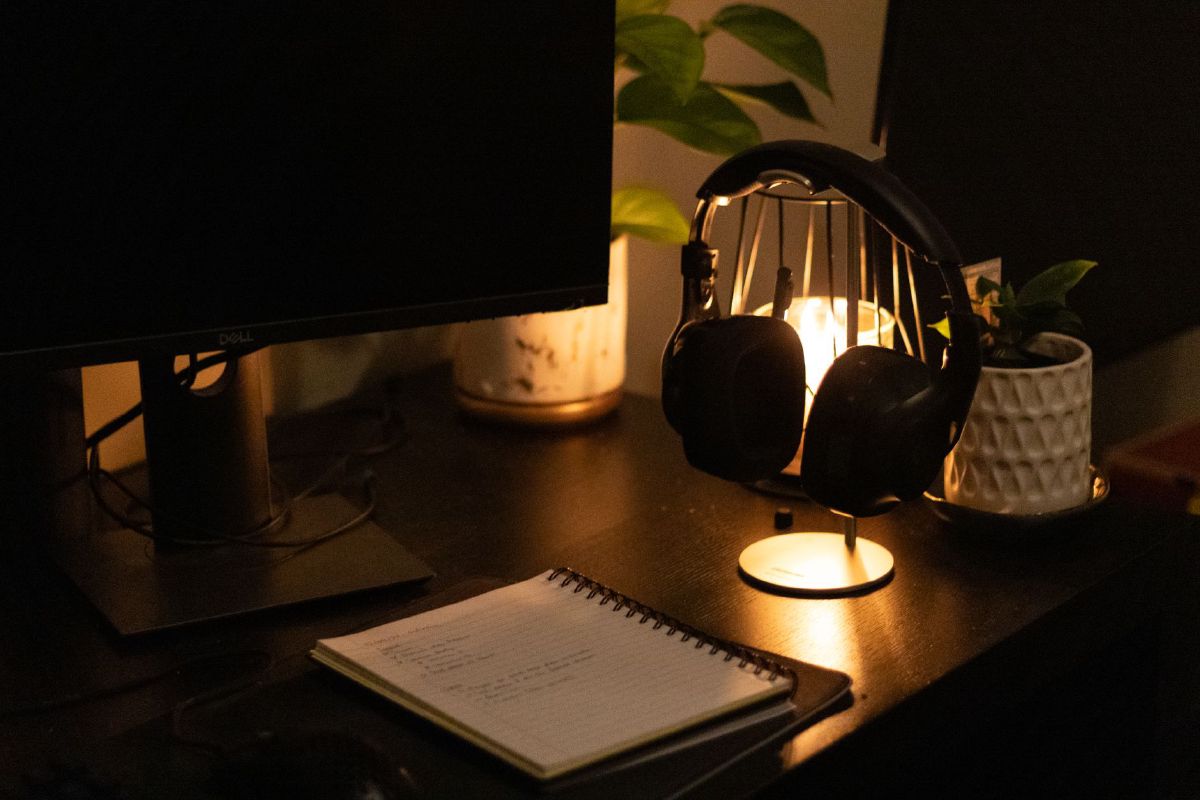
- Accent/Mood Lighting: This is where you can get creative. Use smart bulbs behind your monitor or in a corner lamp to create a warm or colorful glow that reduces eye strain and sets the mood. This type of lighting can make your workspace feel more personal and inviting.
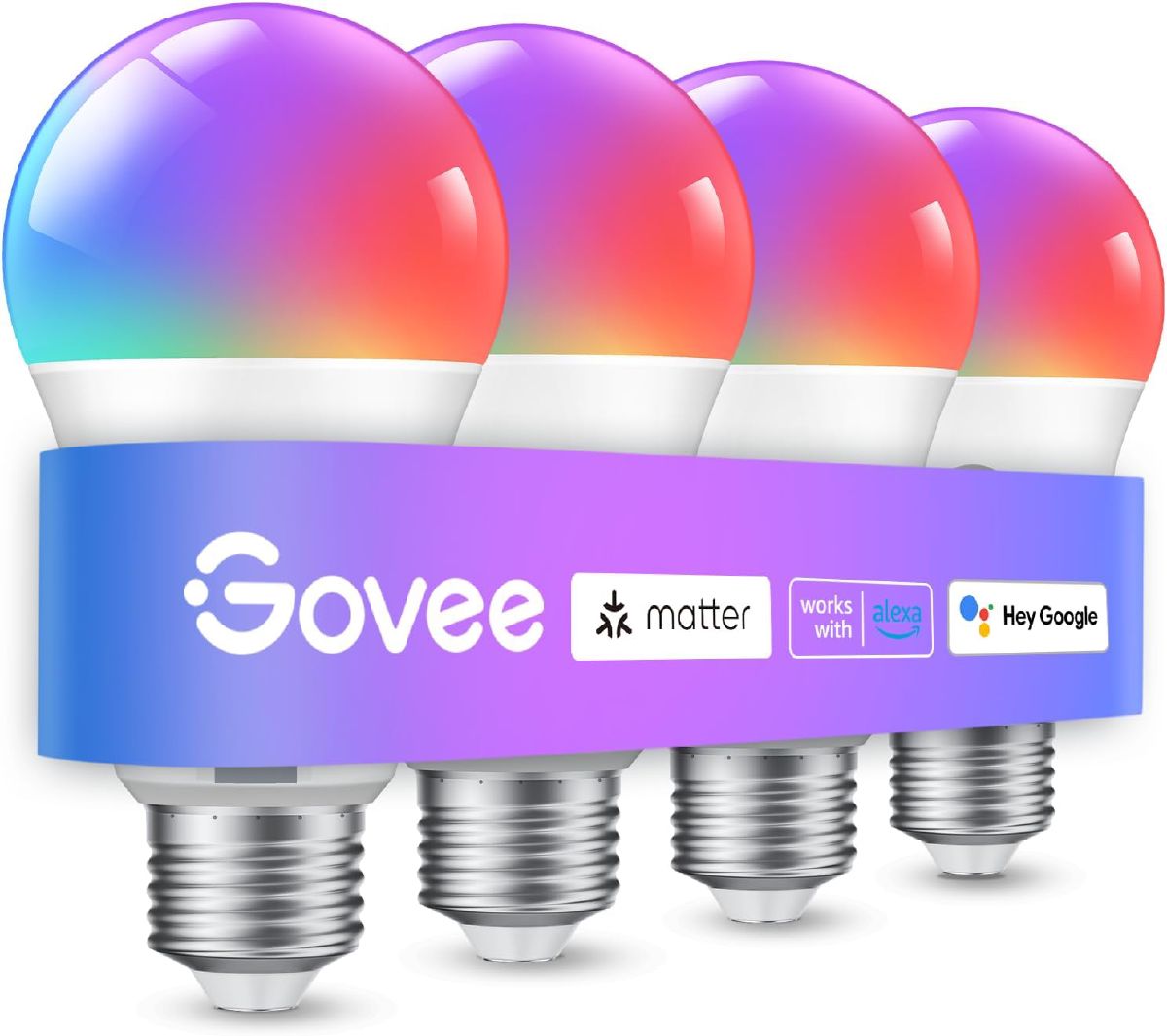
I’d point you toward the Govee Smart Light Bulb here specifically. Nearly 27,000 ratings at 4.6 stars is a genuinely reassuring volume for a bulb in the $30-ish range, the 16-million-color range covers pretty much any accent mood you’d want, and the music-sync feature is a fun extra for evening admin work with something playing in the background. The honest downside: it needs a stable 2.4GHz connection and doesn’t play nicely on 5G-only networks, so check your router setup before you buy a set of these for every corner of the room.
 $39.99 price as of Oct 23
Buy the Govee Smart Light Bulb on Amazon
Buyer’s Checklist
Before you hit “buy,” use this quick checklist to make sure you’re getting the right bulb for your needs.
- Lumens: Is the brightness right for its purpose?
- Kelvin Range: Can it switch between warm and cool light?
- CRI: Is it 90+ for accurate color?
- Compatibility Logos: Does it work with your existing smart home setup (Alexa, Google, etc.)?
- ENERGY STAR: Is it certified for energy efficiency?
FAQs
Are smart bulbs worth it for a home office?
For most people yes, but not universally. If your workday has any shift in mood or task (bright and cool for calls, warmer for evening admin), the ability to change color temperature on a schedule earns its price difference over a regular LED within a few months of use. If you sit under one fixed light and never touch a dimmer, a cheap regular bulb does the same job for a few dollars and no app to maintain.
How do smart bulbs work?
Smart bulbs are essentially mini-computers. They contain a small chip that allows them to connect to your home Wi-Fi or a hub. This connection lets you control them remotely using an app on your smartphone or through a voice assistant. They respond to commands to change brightness, color, and more.
Do smart bulbs use electricity when off?
Yes, they do, but only a very small amount. When turned “off” from the app, the bulb is in a low-power standby mode, waiting for a command. This is why you should always use the app to turn them off rather than a physical switch. The power draw is minimal (usually less than one watt), but it’s something to be aware of.
How long do they last?
The lifespan of a smart LED bulb is usually measured in hours. Most top brands promise a lifespan of 15,000 to 25,000 hours, which can translate to over a decade of use. Their lifespan is generally not affected by turning them on and off frequently.
How do they work with switches?
This is a key question. If you use a physical light switch to turn off a smart bulb, it cuts the power completely. This means the bulb loses its connection to your app and can’t be controlled remotely until you flip the switch back on. To avoid this, it’s best to keep your physical switch on and control the bulb exclusively with your app or voice assistant.
Setup Basics
Setting up a smart bulb is much easier than you think.
Hub vs Hubless:
- Hubless: These bulbs connect directly to your home Wi-Fi network. This is the simplest option and works well for most people. Brands like Feit and Govee often offer hubless options.
- Hub-based: These bulbs require a separate device, or “hub,” to connect to your Wi-Fi. The hub then communicates with the bulbs using a different protocol (like Zigbee or Z-Wave). This can be more reliable for complex setups with many smart devices and often allows for more advanced features. The Philips Hue bridge is a great example of a hub.
For a no-hub starting point, I’d go with the SYLVANIA Wifi LED Smart Light Bulb (4-Pack). Its 18,500+ ratings at 4.3 stars are a serious amount of real-world data for a bulb this cheap, it hits the 90+ CRI mark I mentioned above, and there’s genuinely no extra hardware to buy or set up. The con: it’s Alexa/Google/Siri Shortcuts only, so if your household runs Apple HomeKit natively rather than through Siri Shortcuts, check compatibility before buying a whole set.
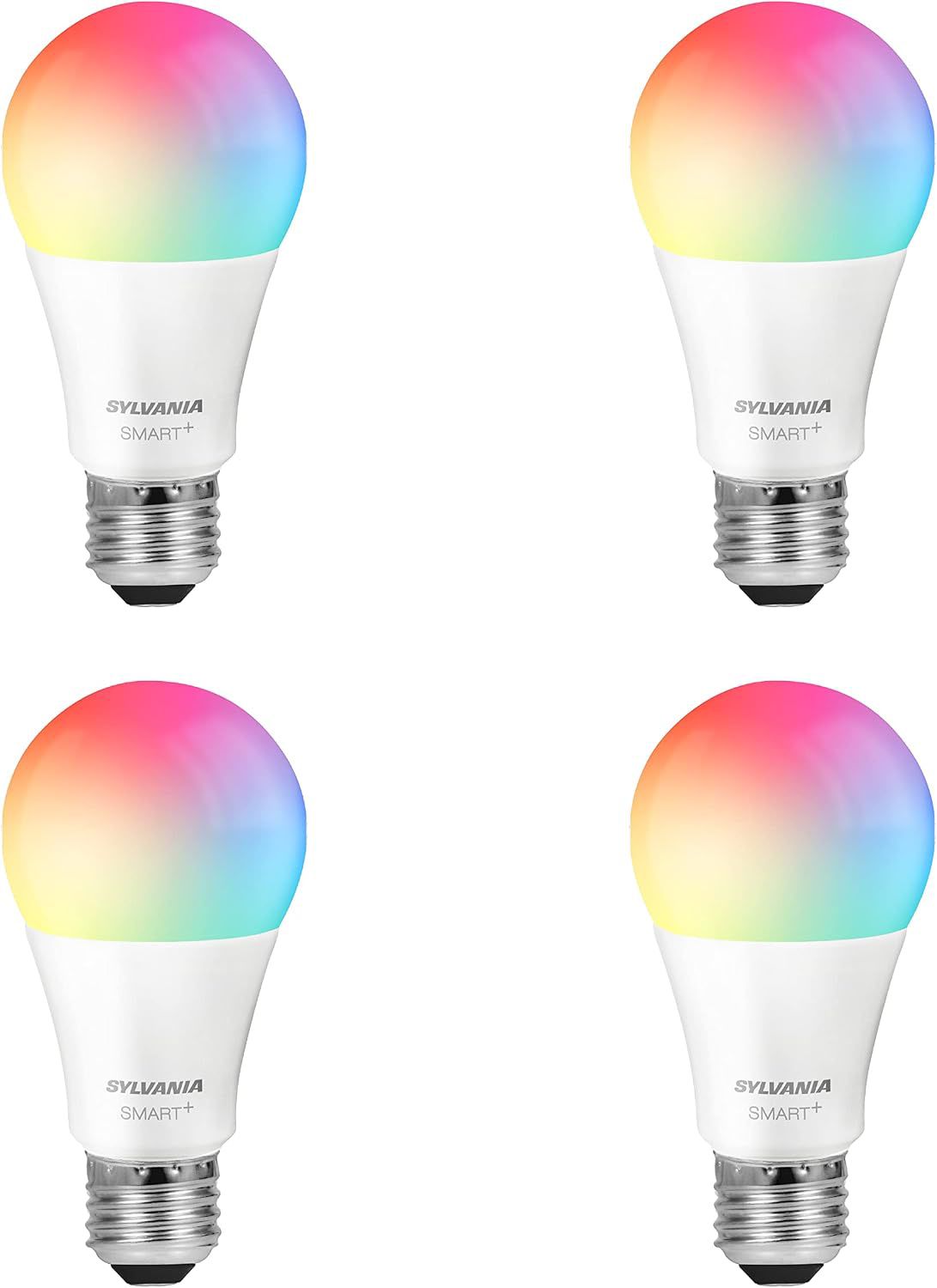 $21.99 price as of Oct 19
Buy the SYLVANIA Wifi Smart Bulb 4-Pack on Amazon
If you’d rather buy into the hub ecosystem from day one (worth it once you’re planning to add more than a couple of smart devices), the Philips Hue Essential A19 (4-Pack) is the one I’d reach for. It’s Amazon’s Choice, sits at 4.6 stars across 868 ratings, and Hue’s app and scene library are the most polished in the category, in my experience researching this space. It works over Bluetooth without a bridge too, so you’re not locked into buying the hub on day one. But you only get the full automation and away-from-home control once you do add one, which is an extra cost most hubless buyers won’t need.
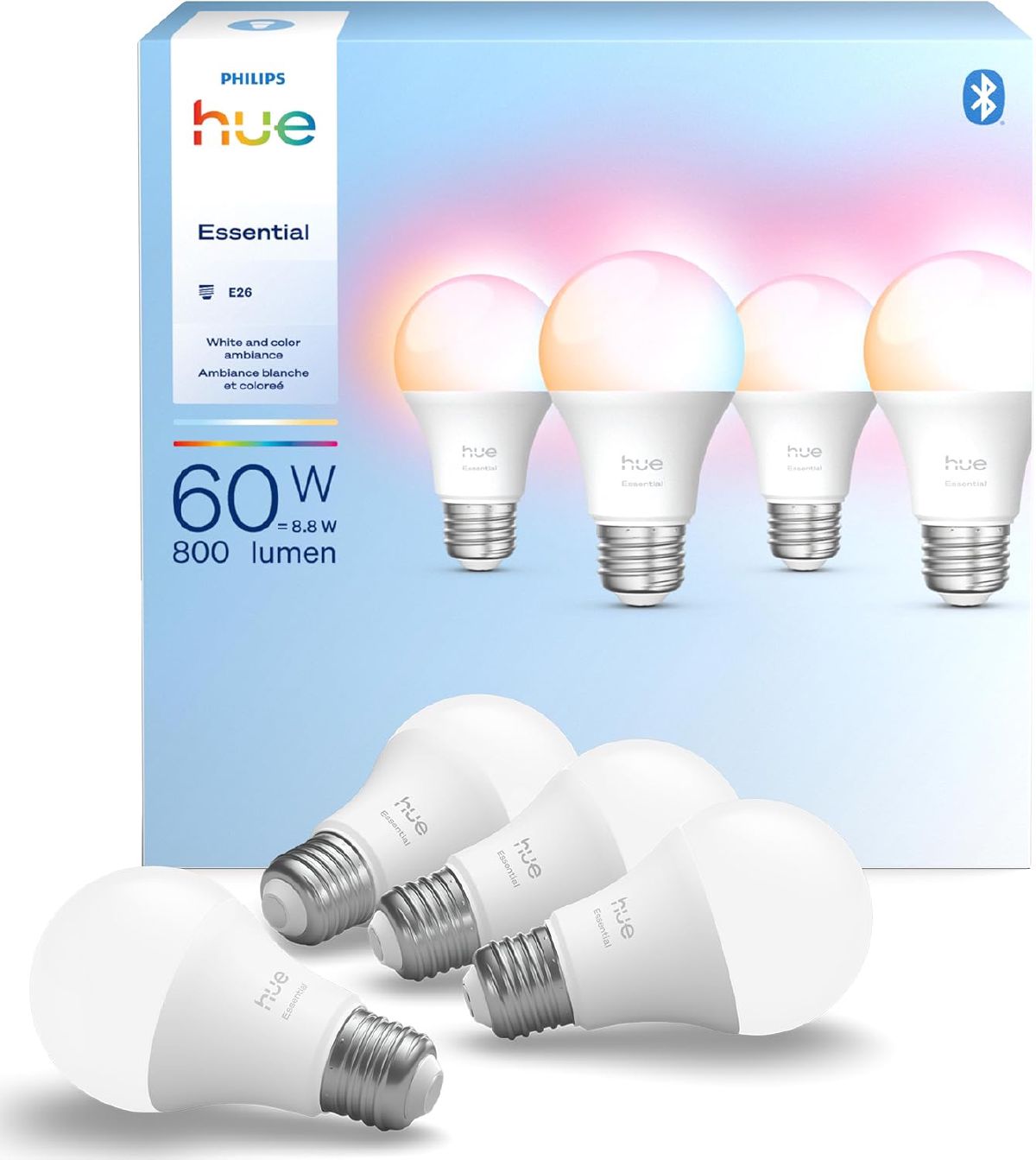 $69.99 price as of Oct 19
Buy the Philips Hue Essential 4-Pack on Amazon
Quick How-To:
- Screw it in: Replace your old bulb with the new smart bulb.
- Download the App: Find the manufacturer’s app (e.g., Philips Hue app) on your phone.
- Connect: Open the app and follow the on-screen instructions to find and connect your new bulb. You’ll be asked to name the bulb and add it to a “room” so you can control it with your voice.
Conclusion
The decision comes down to the specs above: enough lumens for the job, a Kelvin range wide enough to run cool by day and warm by evening, CRI 90+ if color accuracy matters to your work, and compatibility with whatever assistant you already use. Hubless gets most people there; a hub earns its cost once you’re running more than a couple of smart devices.
The three picks above are a solid starting point. For more options across the price range, head to our comprehensive review of the best smart bulbs; most of them suit a desk as well as a bedroom.