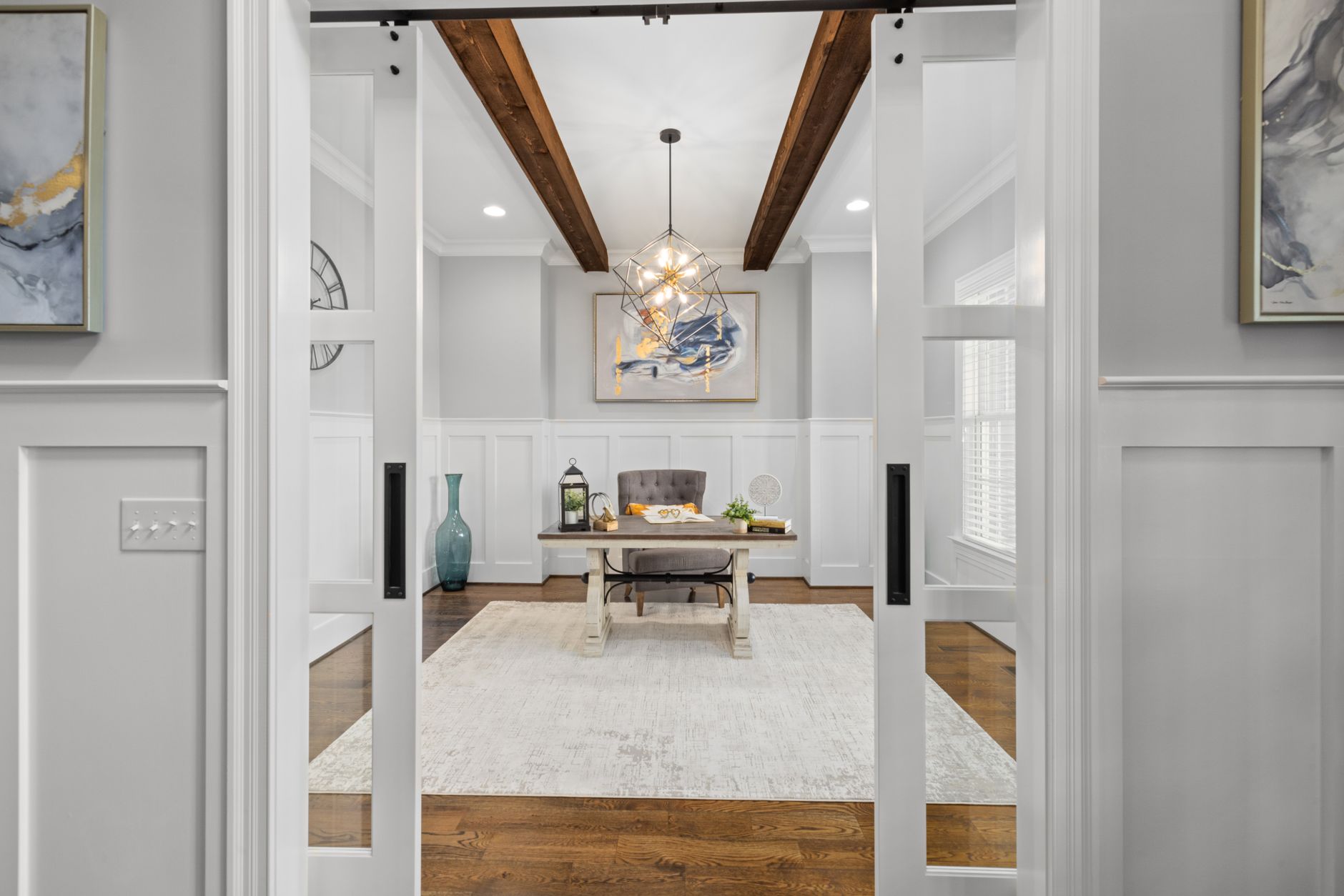
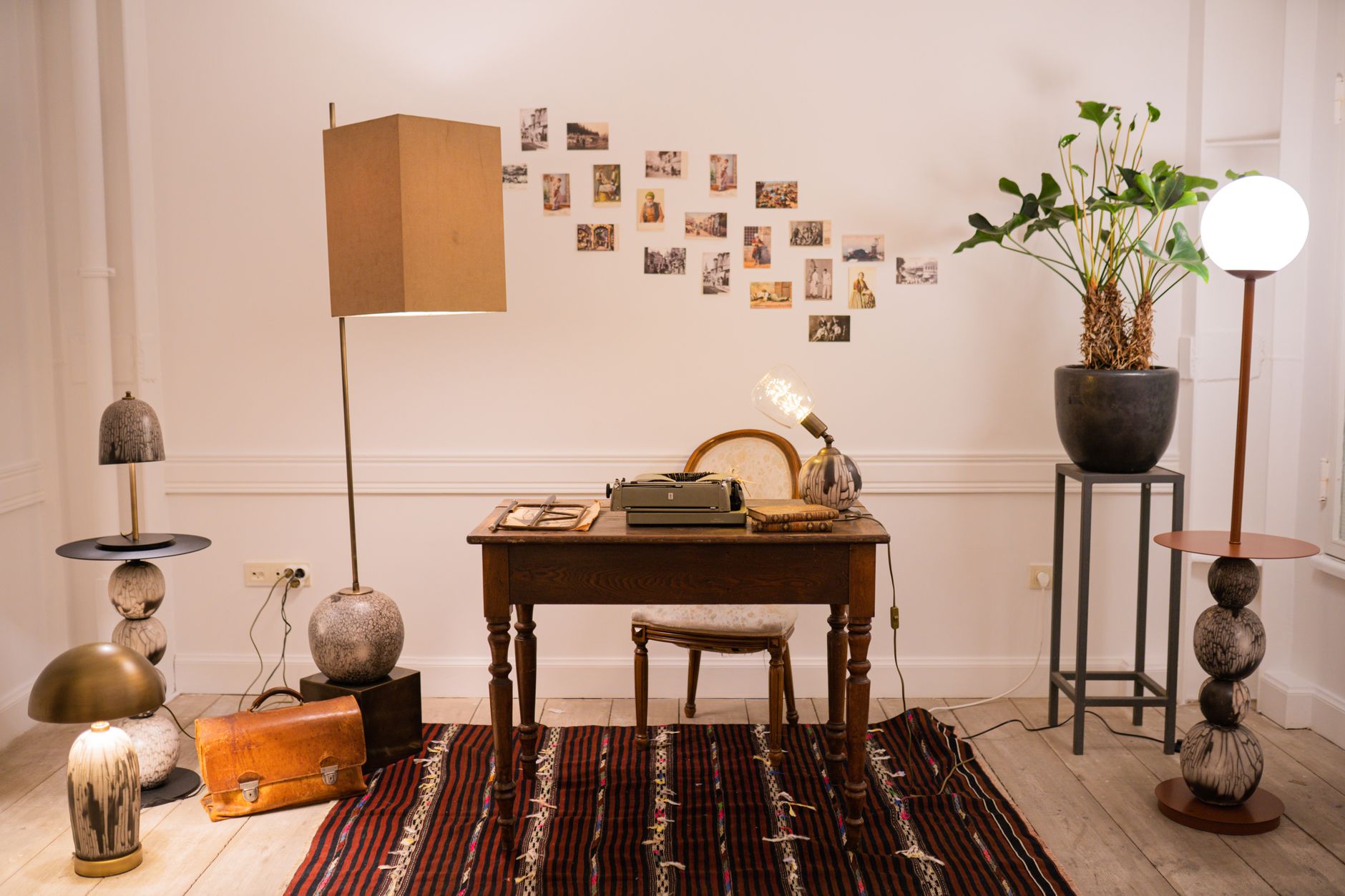
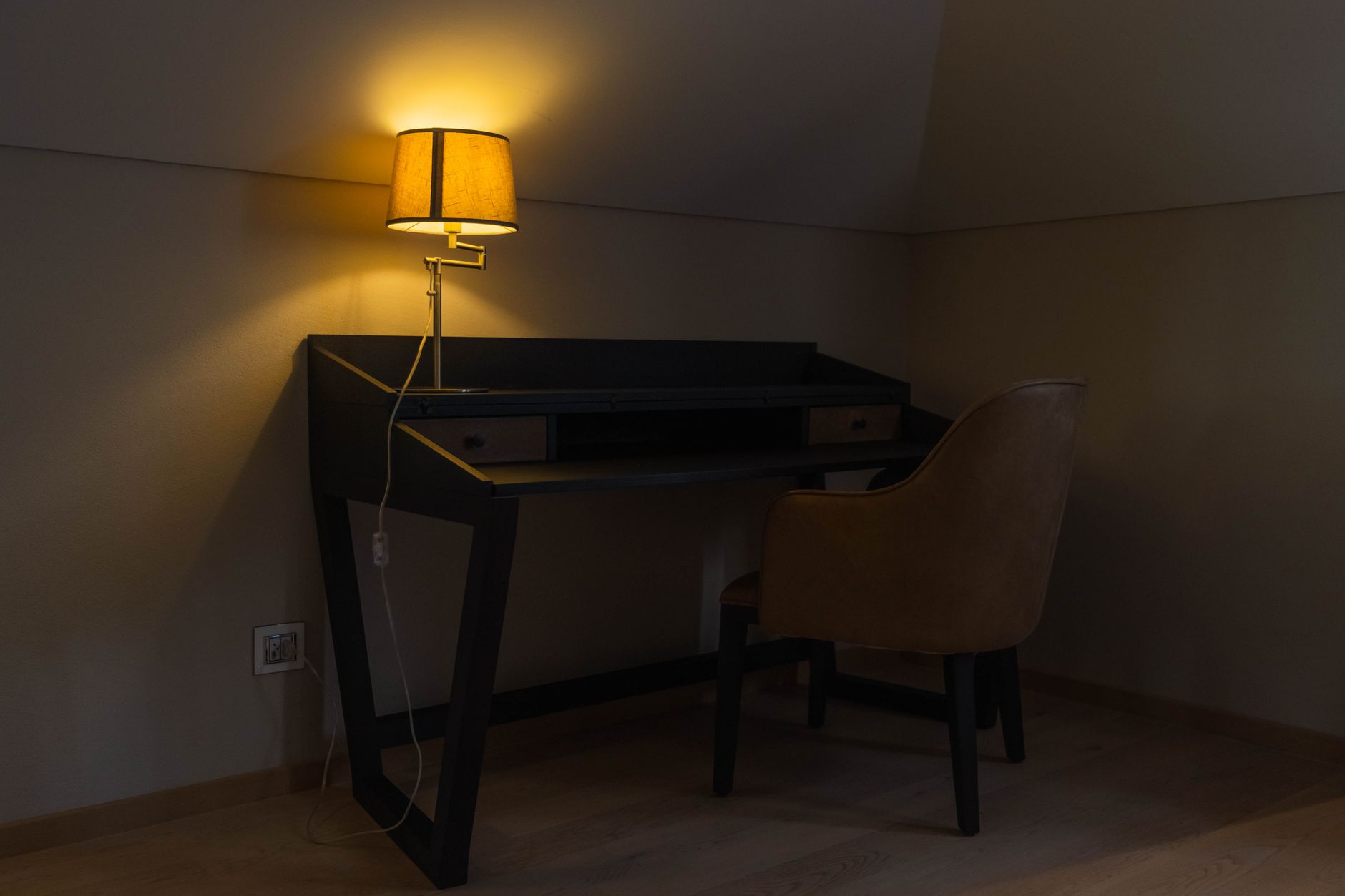
The best home office ceiling light gives you 30-50 lumens per square foot at a neutral-to-cool 3500K-4500K, dims for evening work, and sits far enough back that it doesn’t bounce off your monitor. Get those three things right and the fixture style is genuinely up to you. I’ve seen a sub-$20 flat LED panel do the job as well as a chandelier well over $150; the difference is aesthetics, not function.
Why Ceiling Lighting Matters in Your Home Office
I think ceiling lighting is the most overlooked line item in a home office setup, and it’s the one most likely to be quietly sabotaging your afternoons. Poor overhead light causes eye strain and fatigue you’ll blame on “just being tired” long before you blame the fixture above your desk. Get it right and you remove glare and shadows without thinking about it again. Below is how I’d work through the decision, plus three specific fixtures I’d actually put in a home office, one for each budget.
1. Assess Your Lighting Needs First
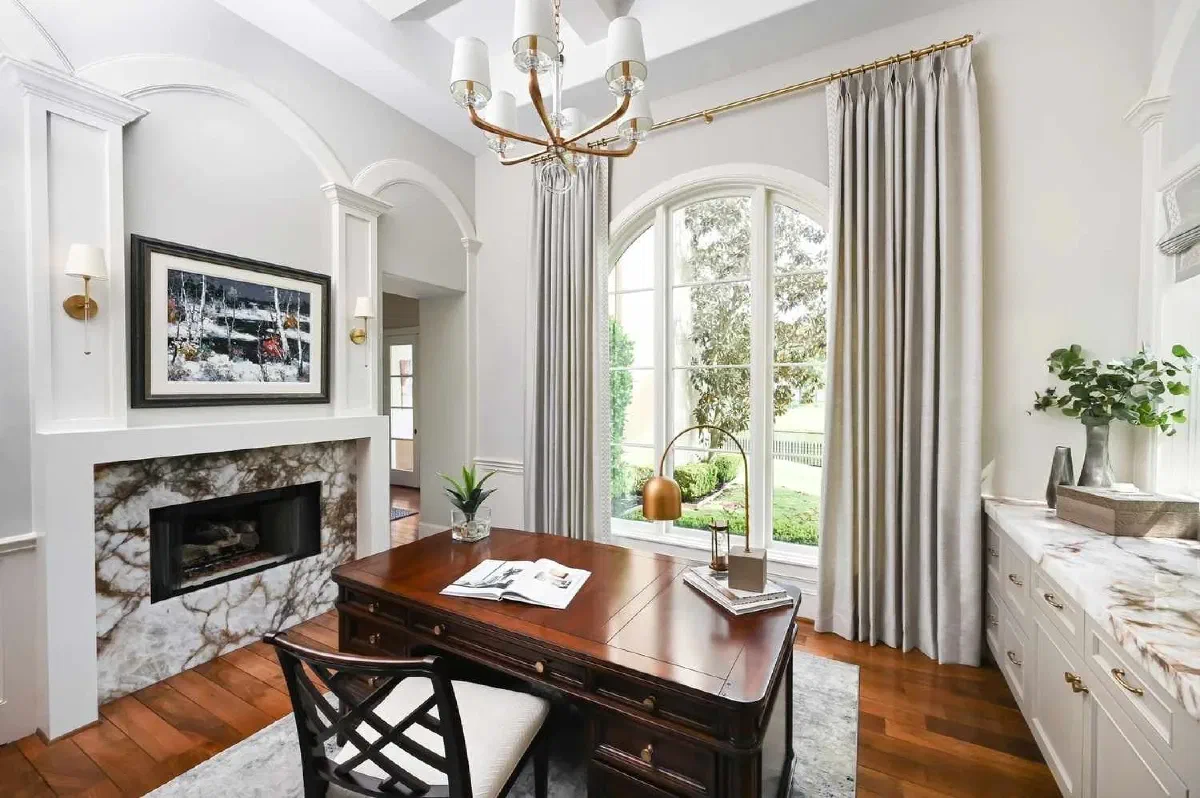
Before you buy anything, take a moment to assess your home office’s layout and how you actually use the space. I’d look at:
- Natural light availability: Identify areas that need additional illumination, especially if your workspace lacks natural light.
- Room size and ceiling height: Larger rooms may require multiple light sources, while lower ceilings might benefit from flush-mount fixtures.
- Task requirements: Focus on lighting areas like your desk or reading nook to reduce eye strain during detailed tasks.
A layered approach that combines ambient, task, and accent lighting makes a home office noticeably more comfortable to work in.
2. Choosing the Right Type of Ceiling Lighting
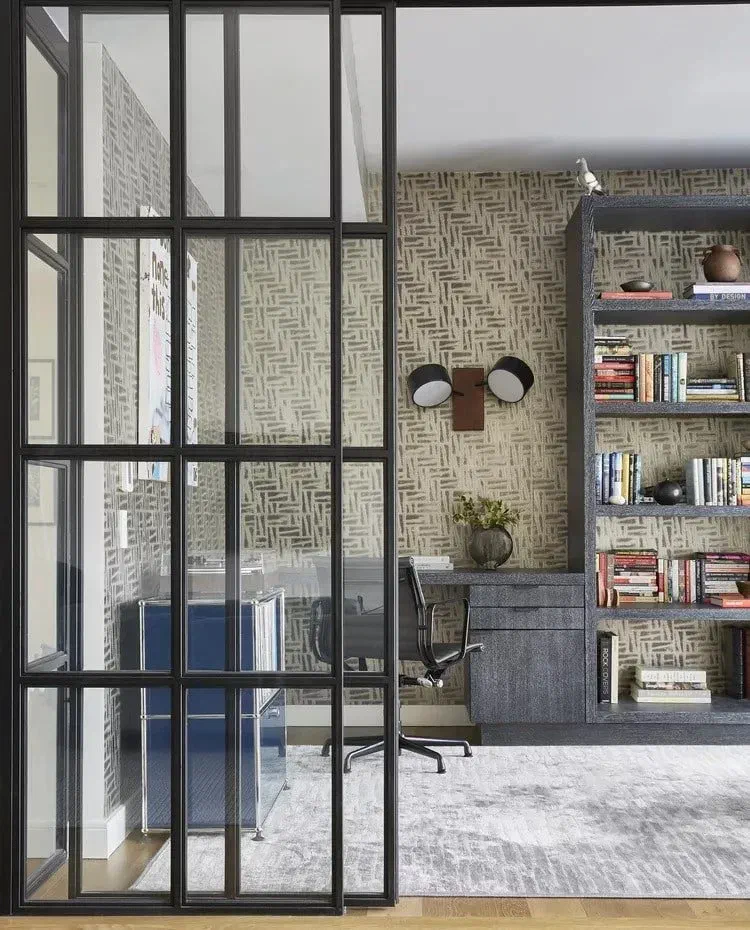
Selecting the right ceiling lighting involves more than just picking a fixture that matches your decor. Different types of lights serve different purposes, so it’s important to choose based on your room’s size, ceiling height, and the tasks you perform.
Popular Options for Ceiling Lighting:
- Recessed lighting: Ideal for a sleek and unobtrusive look, providing uniform ambient lighting. Opt for dimmable LED options for greater control.
- Flush mount lights: Suitable for standard ceiling heights, these fixtures distribute light evenly and come in various styles. Frosted covers can help reduce glare.
- Pendant lighting: Works well for higher ceilings or over specific areas like standing desks. Ensure they hang at least 30 inches above your desk to prevent glare.
- Fandeliers (fan + light combo): Worth a look if your office runs stuffy. You get overhead light and airflow from one fixture and one junction box, which matters if you’re not keen on adding a second ceiling cutout.
Each type serves a different function, so I’d combine at least two of them rather than lean on one. If a fandelier is on your list, this is the one I’d actually buy:
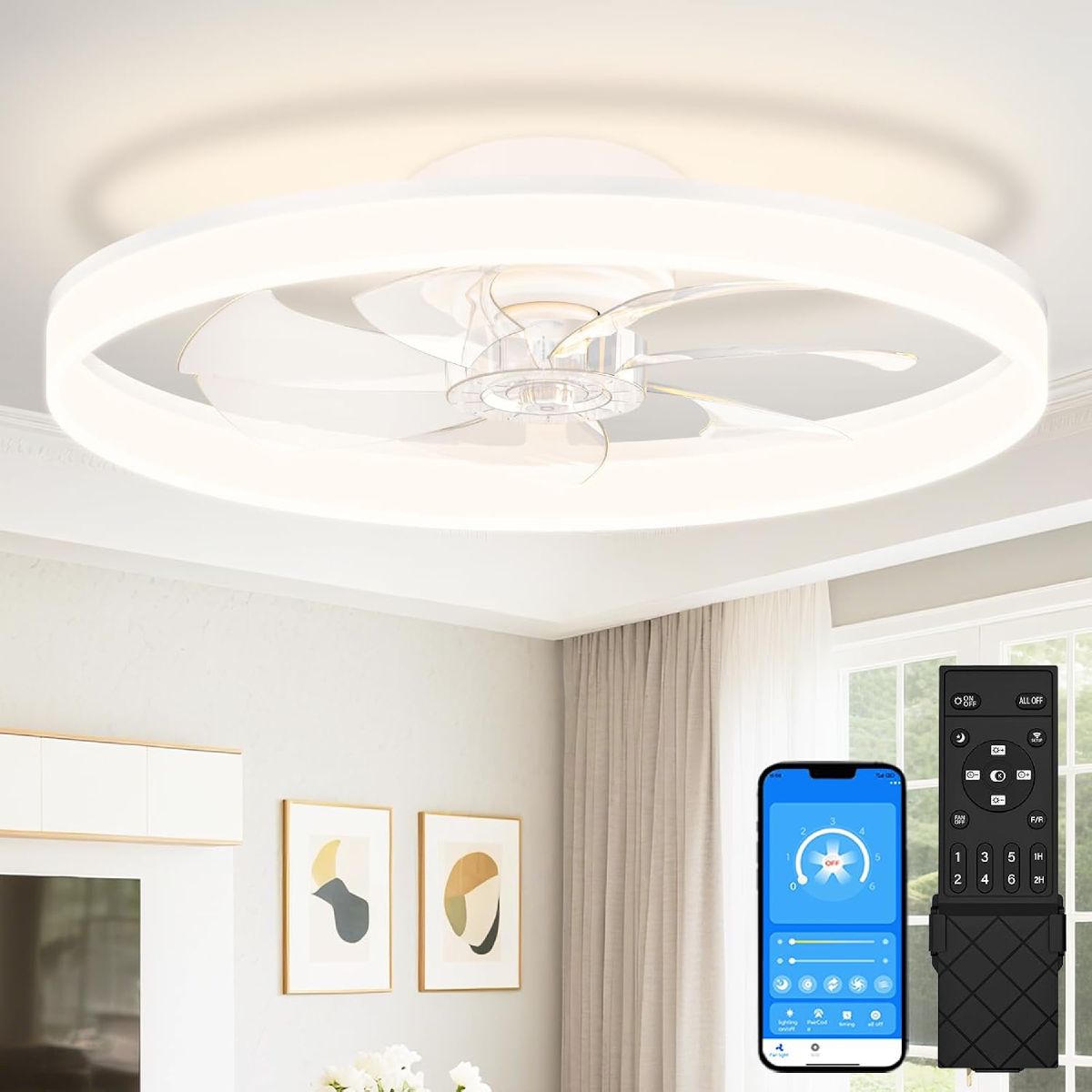 $119.68 $139.99 15% off price as of Aug 26
The VOLISUN Low-Profile Fandelier is a bladeless, flush-mount fan with a tunable 3000K-6500K LED ring built in, 6 fan speeds, and a memory function so it comes back on at your last settings. At 4.4 stars across 1,251+ ratings it’s a genuinely well-liked product, not a gimmick. The honest downside: at 24 inches it wants a room in the 20-30 m² range, and cramming it into a small closet-office looks and feels oversized.
Buy the VOLISUN Fandelier on Amazon
For a full run-down of standard (non-fan) fixtures, see my 10 best ceiling lights for home offices.
3. Light Temperature and Brightness: Getting It Right
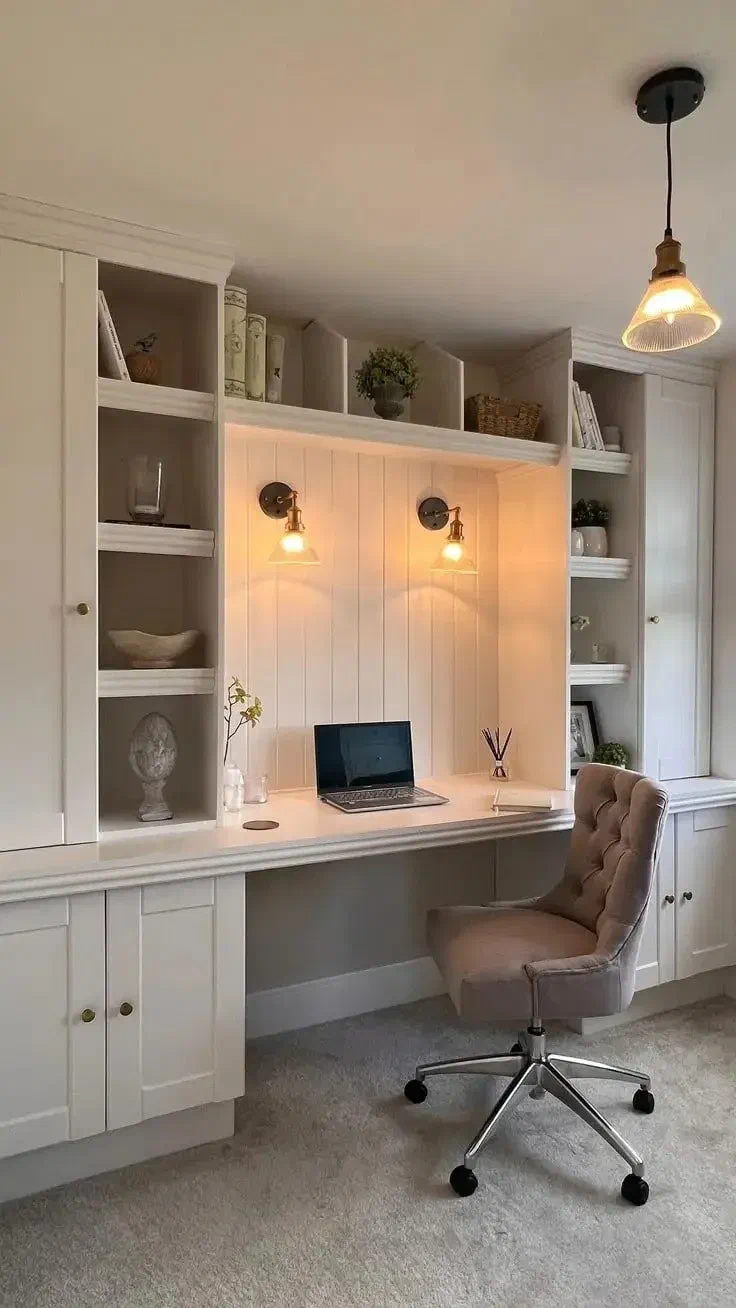
Color temperature affects your mood and focus more than most people expect. Cooler light (3500K–5000K) reads as more alert and reduces eye strain on a screen, which is why I lean cooler for computer work. Warmer light (2700K–3000K) is more relaxed, better for a reading nook than a monitor.
Key Tips:
- For most home offices, a neutral white light around 4000K is a good balance.
- Aim for 300–500 lumens per square meter for general lighting, increasing brightness for task-specific areas.
- Choose dimmable fixtures to adjust lighting based on the time of day or your activity.
This combination helps maintain focus during work hours without causing fatigue. Click here for a full guide to the Best Color Temperature for a Home Office.
4. Best Bulb Options for Home Office Ceiling Lighting
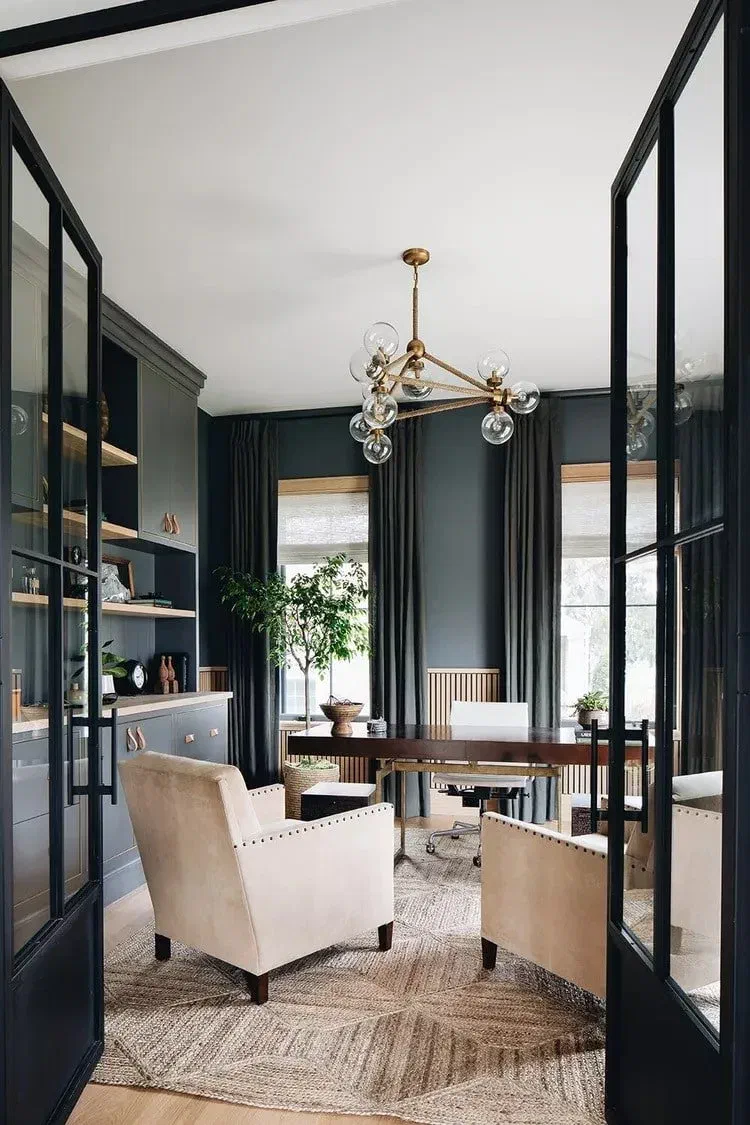
The type of bulb you use is just as important as the fixture itself. Each bulb type offers different advantages:
- LED bulbs: Energy-efficient, long-lasting, and available in multiple color temperatures. Ideal for reducing energy costs while maintaining bright, clear lighting.
- Smart bulbs: Adjustable brightness and color temperature via apps or voice commands, so the light can change with the task.
- Halogen bulbs: Provide bright, crisp light but consume more energy and generate heat, making them less ideal for smaller offices.
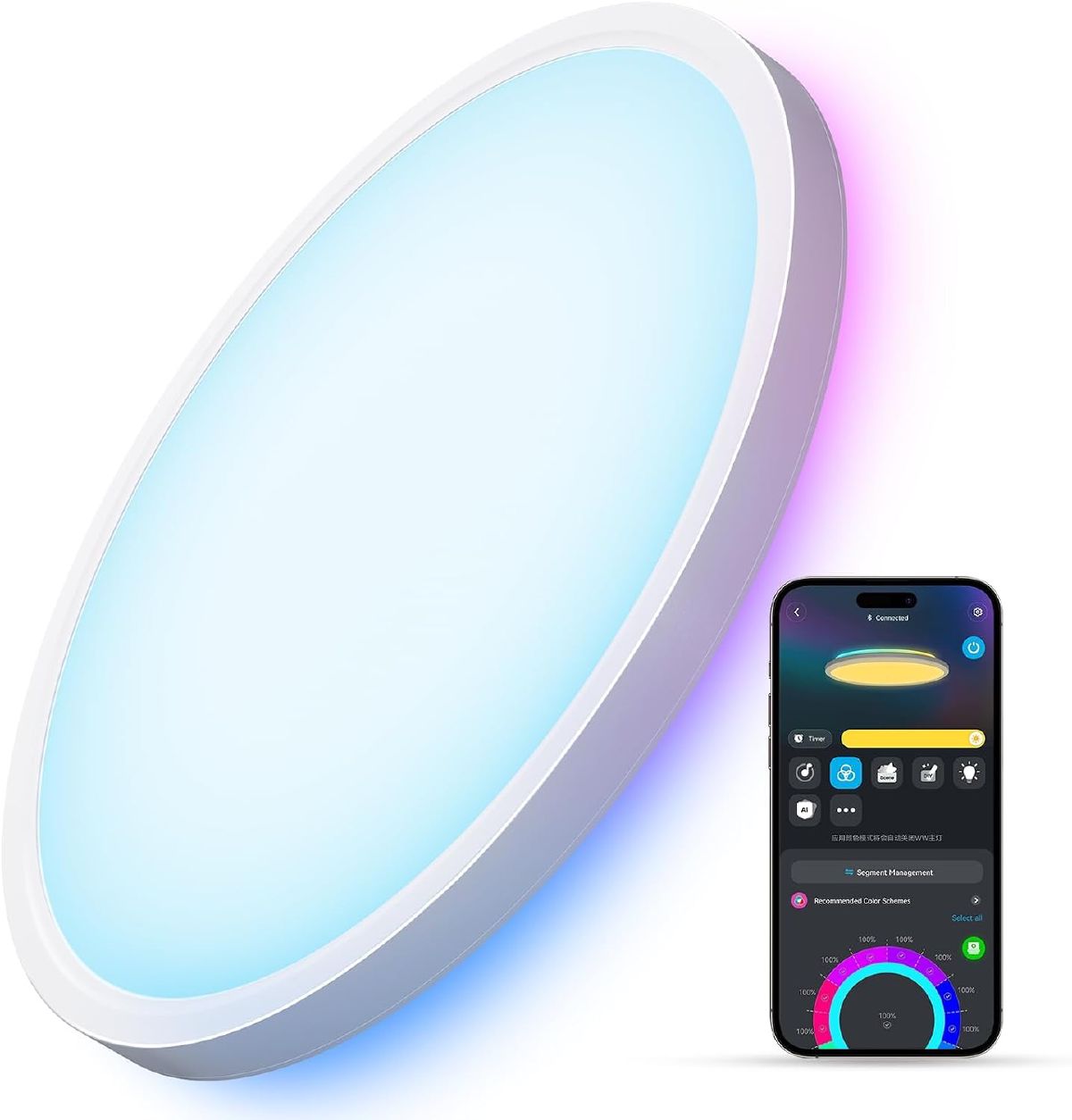
For most home offices, I’d skip separate smart bulbs entirely and go for a fixture with the smart tech already built into the housing: one less thing to buy and one less compatibility question. This is the one I’d point you to:
 $69.99 price as of Aug 26
The Govee Smart Ceiling Light is a 12-inch flush mount tunable from 2700K to 6500K with Matter, Alexa and Google support, so you can dial in “cool and alert” for a work block and “warm and dim” for winding down, from the same fixture. 4.6 stars across nearly 2,000 ratings. The catch: the color/scene features only work through Wi-Fi and the app, and the RGBIC accent-color side of it is more novelty than useful in a work room. I’d leave it set to plain white and just use the tunable-temperature part.
Buy the Govee Smart Ceiling Light on Amazon
If you’d rather buy the bulb, not the fixture, my buying guide to LED bulbs and guide to smart bulbs for a home office cover that route instead.
5. Reducing Glare for Better Computer Work
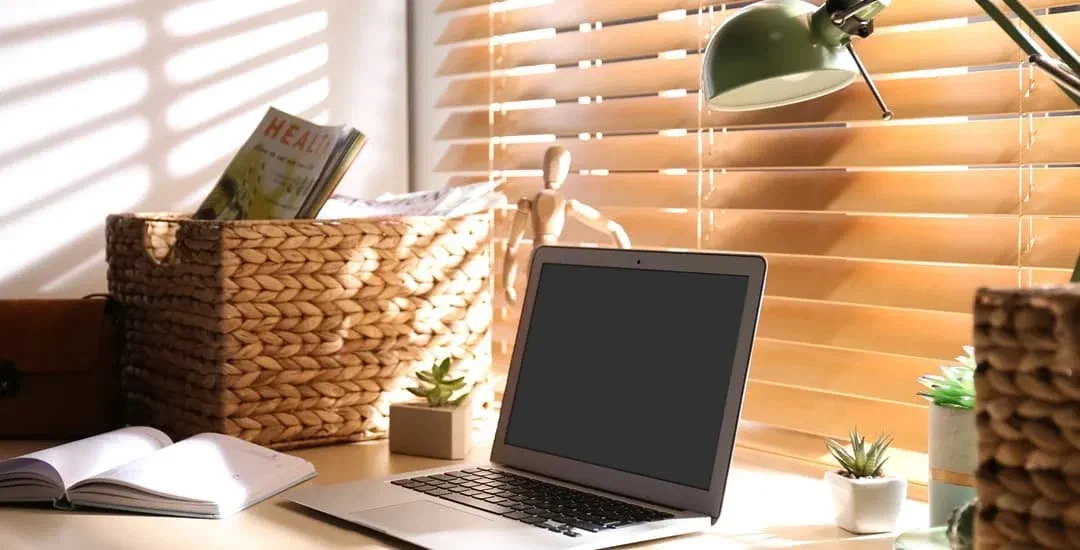
Glare is usually a position problem masquerading as a brightness problem: even a bright, expensive fixture will bounce straight off a monitor if it sits directly overhead. To minimize glare:
- Position ceiling lights slightly behind your workspace rather than directly overhead.
- Use fixtures with diffusers to soften light and distribute it more evenly across the room.
- Install anti-glare screen protectors for monitors if relocating lighting isn’t feasible.
Combining ceiling lighting with adjustable desk lamps can also help focus light exactly where you need it without causing reflections on your screen.
6. The Benefits of Layered Lighting
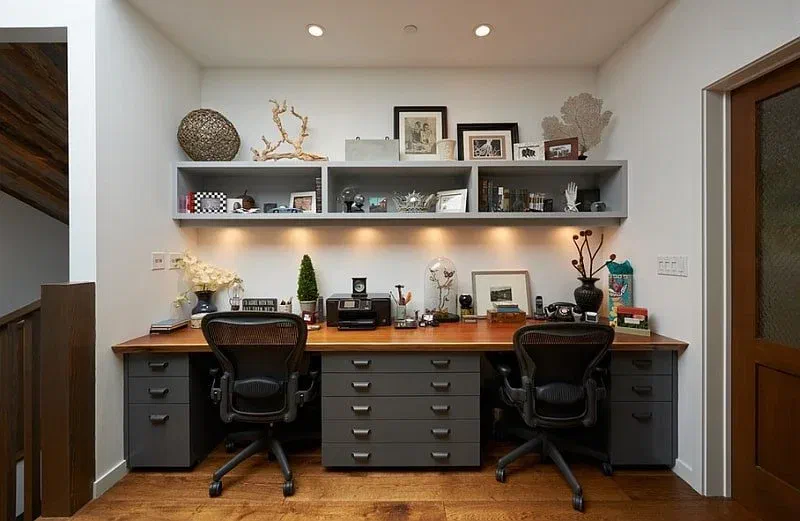
A well-lit home office doesn’t rely on just one type of lighting. Layered lighting combines ambient, task, and accent lighting to create a versatile and visually comfortable environment.
Key Components:
- Ambient lighting: Recessed or flush-mount lights for overall brightness.
- Task lighting: Desk lamps or pendants for focused lighting on specific areas.
- Accent lighting: Wall sconces or LED strips to highlight décor or reduce eye strain.
Put each layer on its own dimmer and you can adjust the brightness to the time of day or the task at hand. For a full run-down, read my guide to How to Layer Lighting in Your Home Office.
7. Budget-Friendly Ceiling Lighting Ideas
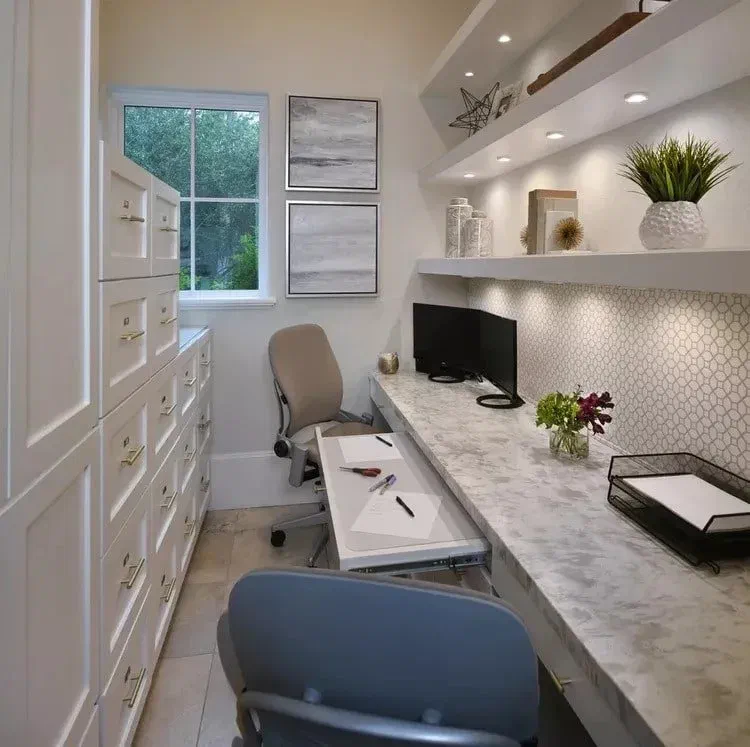
Improving your home office lighting doesn’t have to be expensive, and this is the section I’d actually start with if I were doing this on a tight budget. Here are the cost-effective ideas I rate:
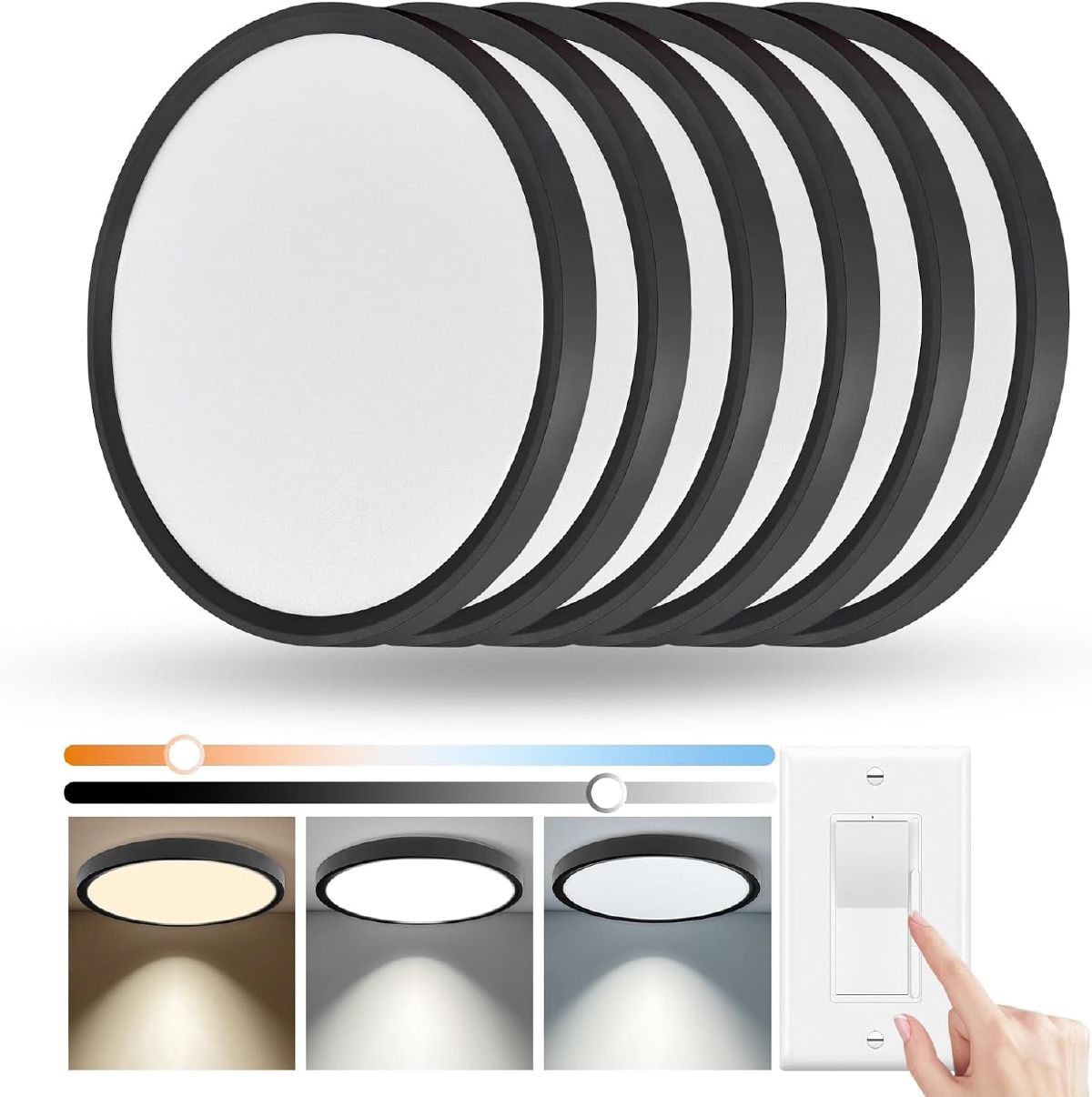
Swap the whole fixture, not just the bulb: A dated glass-globe flush mount is often the real problem, not the bulb inside it. A slim LED flush mount is a 5-minute, no-electrician swap:
 $56.04 $58.99 5% off price as of Aug 26
This 6-pack of dimmable LED flush mounts is an Amazon’s Choice pick at 4.7 stars across nearly 400 ratings, and works out to under $10 a fixture. That’s genuinely useful if your home office swap turns into a whole-house one, less so if you only need a single light (you’ll have five spares). Tool-free install, dims via your existing wall switch, and you pick 3000K/4000K/5000K before you mount it.
Use adhesive LED strips: A renter-friendly way to add accent lighting without any permanent changes; see my step-by-step guide to installing LED strips if you haven’t done this before.
Install smart plugs or motion sensors: Saves on energy bills because lights are only on when someone’s actually in the room.
None of this is expensive, and in my experience the fixture swap above does more for how the room actually feels than any bulb change on its own.
Conclusion: Illuminate Your Workspace the Right Way
My honest take: get the brightness and color temperature right first (that’s the part that actually affects how you feel at 4pm) and treat fixture style as the fun part you decide last. If you want a fixture recommendation and don’t want to shop around, the Govee smart ceiling light above is my pick for most home offices; if budget is the driver, the flush-mount 6-pack is hard to beat per fixture. To learn how to light the rest of your office, read my Ultimate Guide to Home Office Lighting.